EasyManua.ls Logo

Zenith L30W36 - PC Mode Adjustments

Zenith L30W36
56 pages
Print Icon
To Next Page IconTo Next Page
To Previous Page IconTo Previous Page
Loading...
42
PC Mode Adjustments
2
1
READY
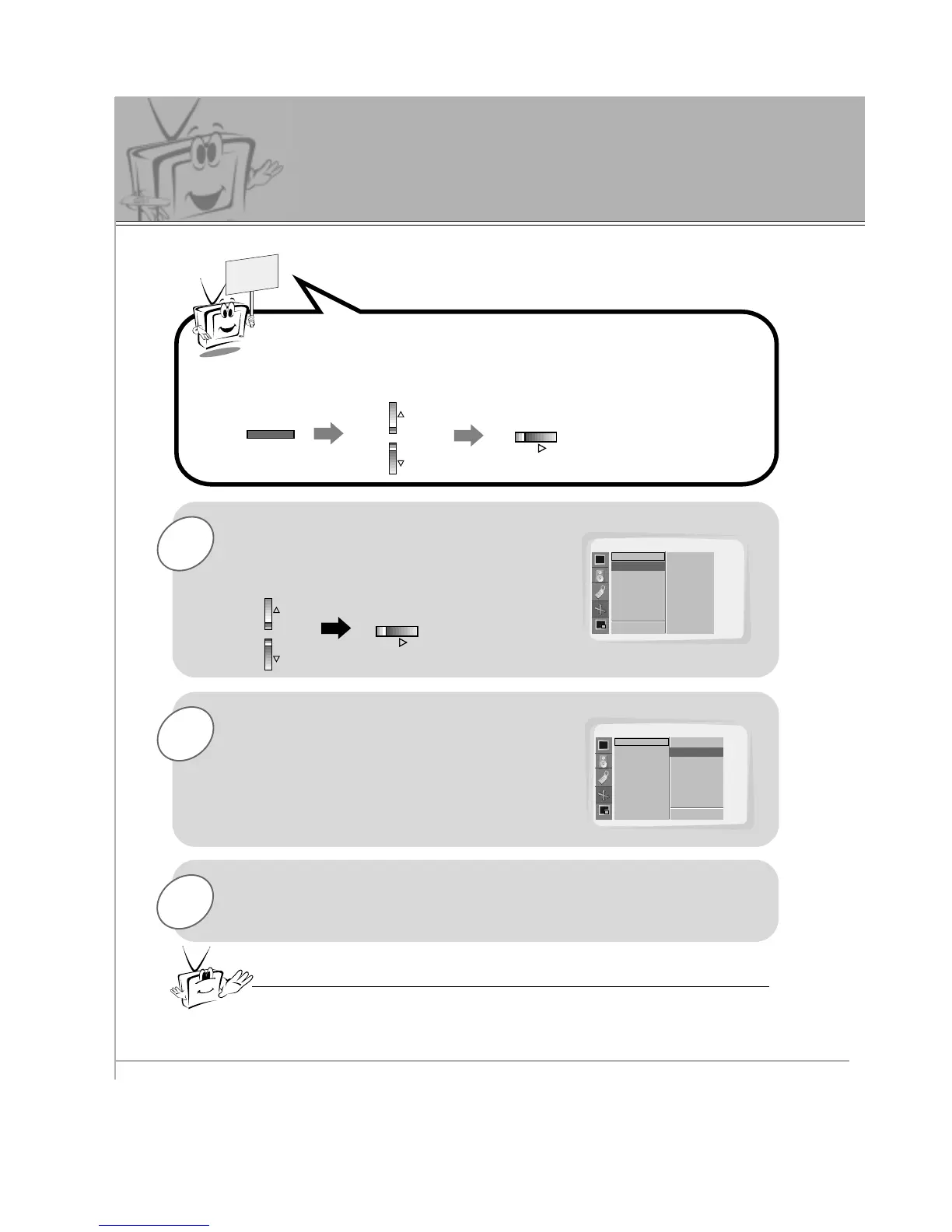
Use the UP/DOWN button to select
Auto Config. and then press the
VOL (
G
) button.
When
Auto Config. has finished, OK
will appear on screen.
Press the MENU button and then use the UP/DOWN button to
select PICTURE ADJ. menu.
Press the VOL (
G
) button.
MENU
VOL
VOL
PICTURE ADJ.
Auto. Config.
ARC(Main)
Zoom In/Out
Position
Clock Adjust
Phase Adjust
Reset
D
E
Move
Auto Config. G
F Prev
To Set
PICTURE ADJ.
Auto. Config.
ARC(Main)
Zoom In/Out
Position
Clock Adjust
Phase Adjust
Reset
OK
3
If the picture needs to be adjusted more after auto
adjustment, you can manually adjust the Clock Adjust and
Phase Adjust menu options.
The picture may appear strange while auto adjustment is functioning but that
is normal during the procedure of searching for the best picture format.
- Select RGB1 source.

Related product manuals