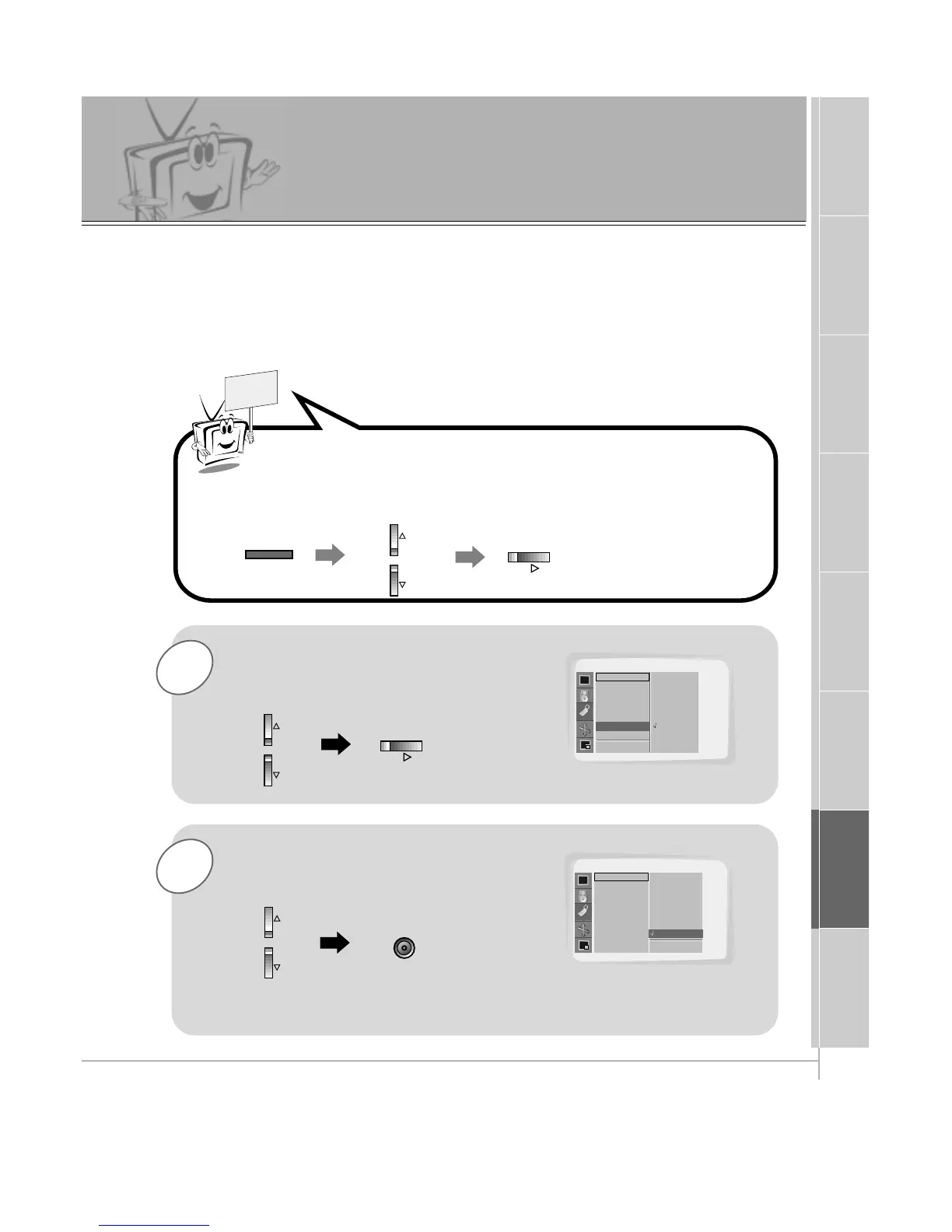
Use the UP/DOWN button to select the
Screen Saver option and then press the
VOL (
G
) button.
2
Use the UP/DOWN button to select
ON and then press the ENTER button.
- Prolonged display of a still image may cause a permanent image to be ‘burned’ onto
the screen.
- If you select Screen Saver "ON", to prevent a permanent image burn in, the picture will
move a little every 10 minutes.
- CAUTION: The "SCREEN SAVER" function will help to prevent a permanent image burn
in but it is still possible to permanently burn the screen with a prolonged still image!
Press the MENU button and then use the UP/DOWN button to
select SPECIAL menu.
Press the VOL (
G
) button.



 To Next Page