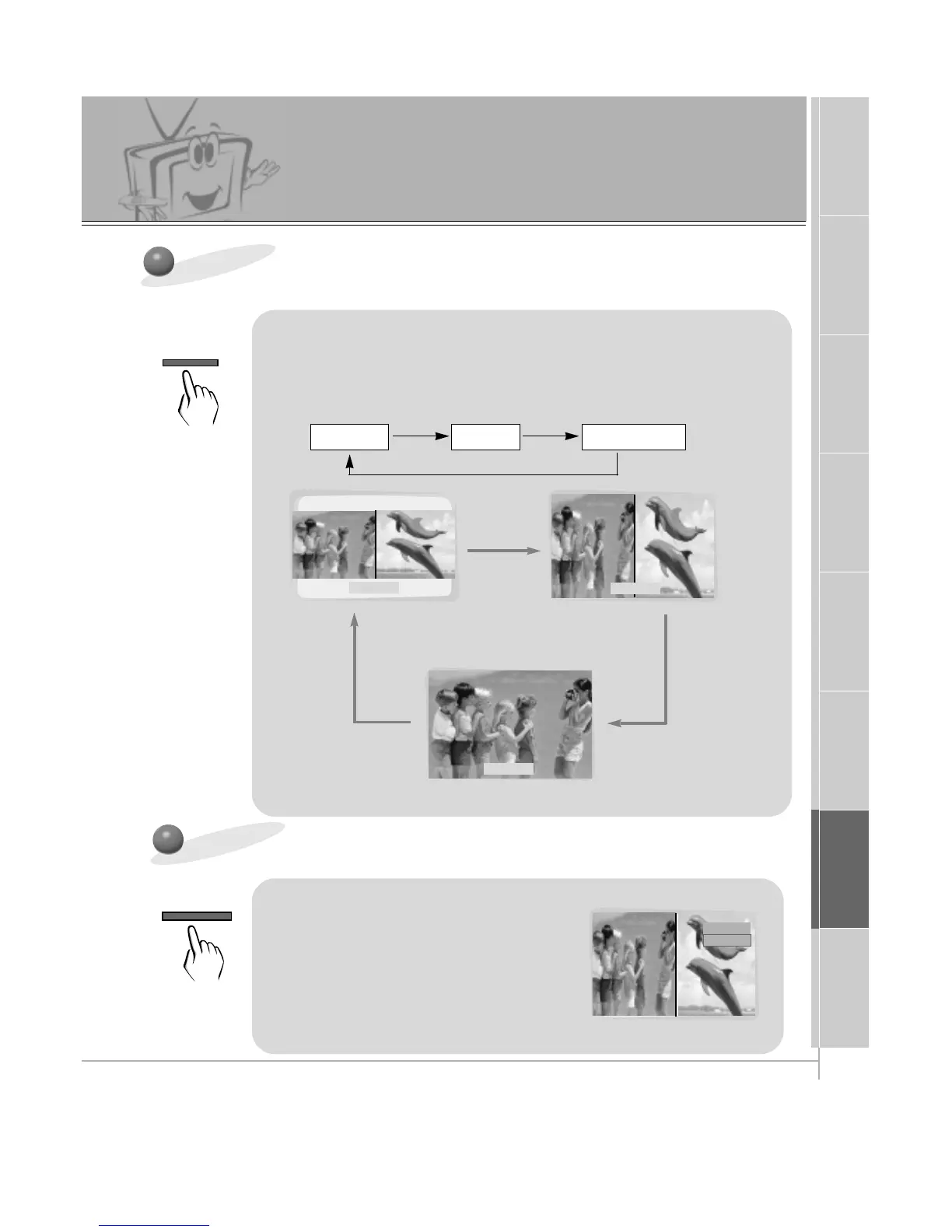
Use the TWIN PICTURE button to
select source for twin picture.
TWIN1 TWIN2 TWIN OFF
Selecting the Twin Picture Source
VIDEO
RGB1
Use the SUB INPUT button to select
the Twin Picture source.
• When the Main Picture source is
RGB1/RGB2/DTV (more than 480p), the Twin
Picture source is S-video/Video/DVD (480i). When
the Main Picture source is S-video/Video/DVD
(480i), the Twin Picture source is
RGB1/RGB2/DTV (more than 480p).
TWIN 1
TWIN 2
TWIN OFF
Twin Picture Feature
• Each time you press TWIN PICTURE, you select
TWIN1, TWIN2 or TWIN OFF.



 To Next Page