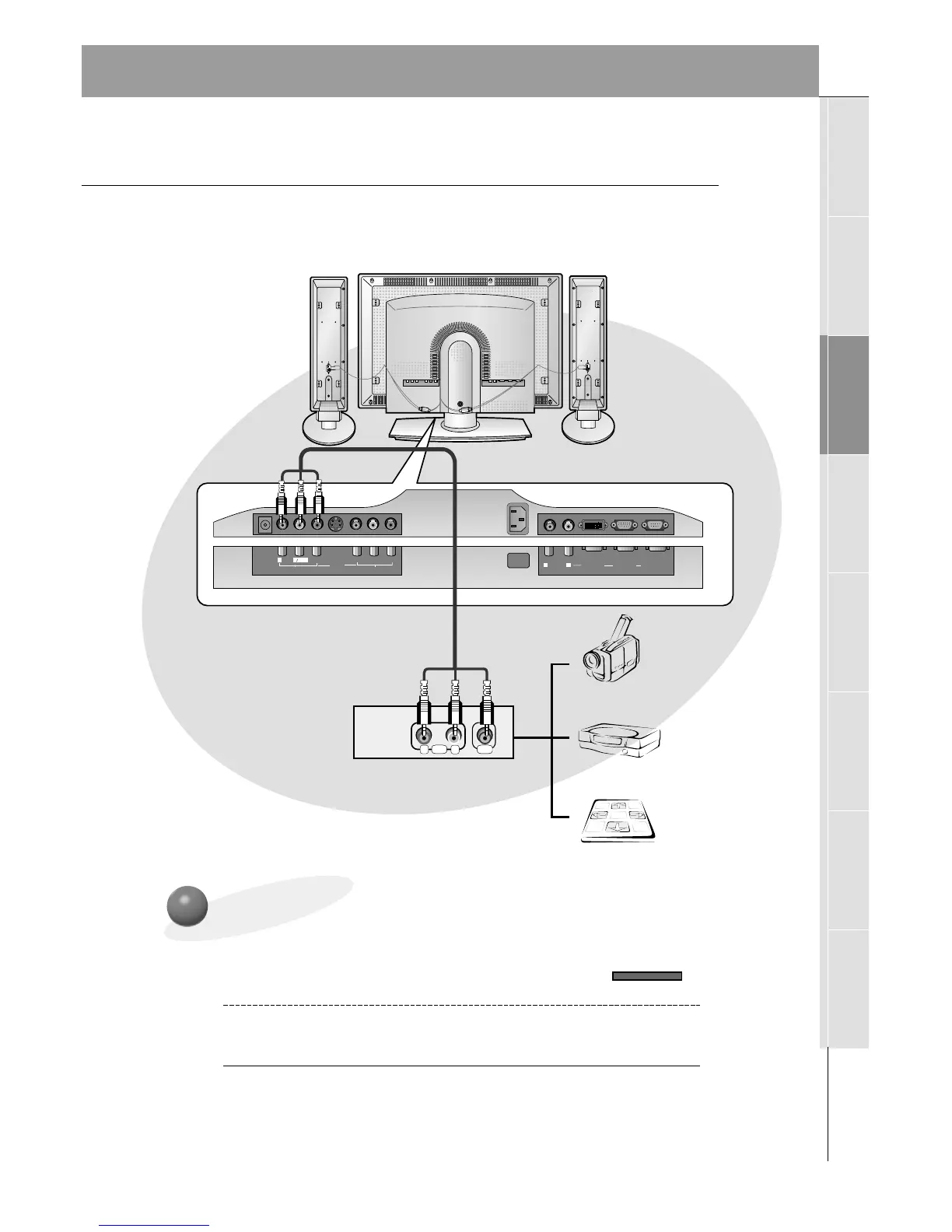
To watch external AV source
Use the INPUT SELECT on the monitor
remote control to select VIDEO.
1
Operate the corresponding external equip-
ment. See external equipment operating
guide.
2
External AV Source Setup
- As shown below, when connecting the Monitor to an external source, match the
colors of AV input jacks on the Monitor with the output jacks on the audio/video
equipment: Video = yellow, Audio (Left) = white, Audio (Right) = red.
Monitor Connections Panel



 To Next Page