27
Safety Instructions
Monitor Overview
Connections
Basic Operation
Sleep Timer
Picture & Sound
Special Features
Misc.
Auto Sound Control
DASP (Digital Auto Sound Processing)
• This feature lets you enjoy the best sound without any manual adjustment;
the Monitor automatically selects the appropriate audio tone levels, based
on the program content.
1
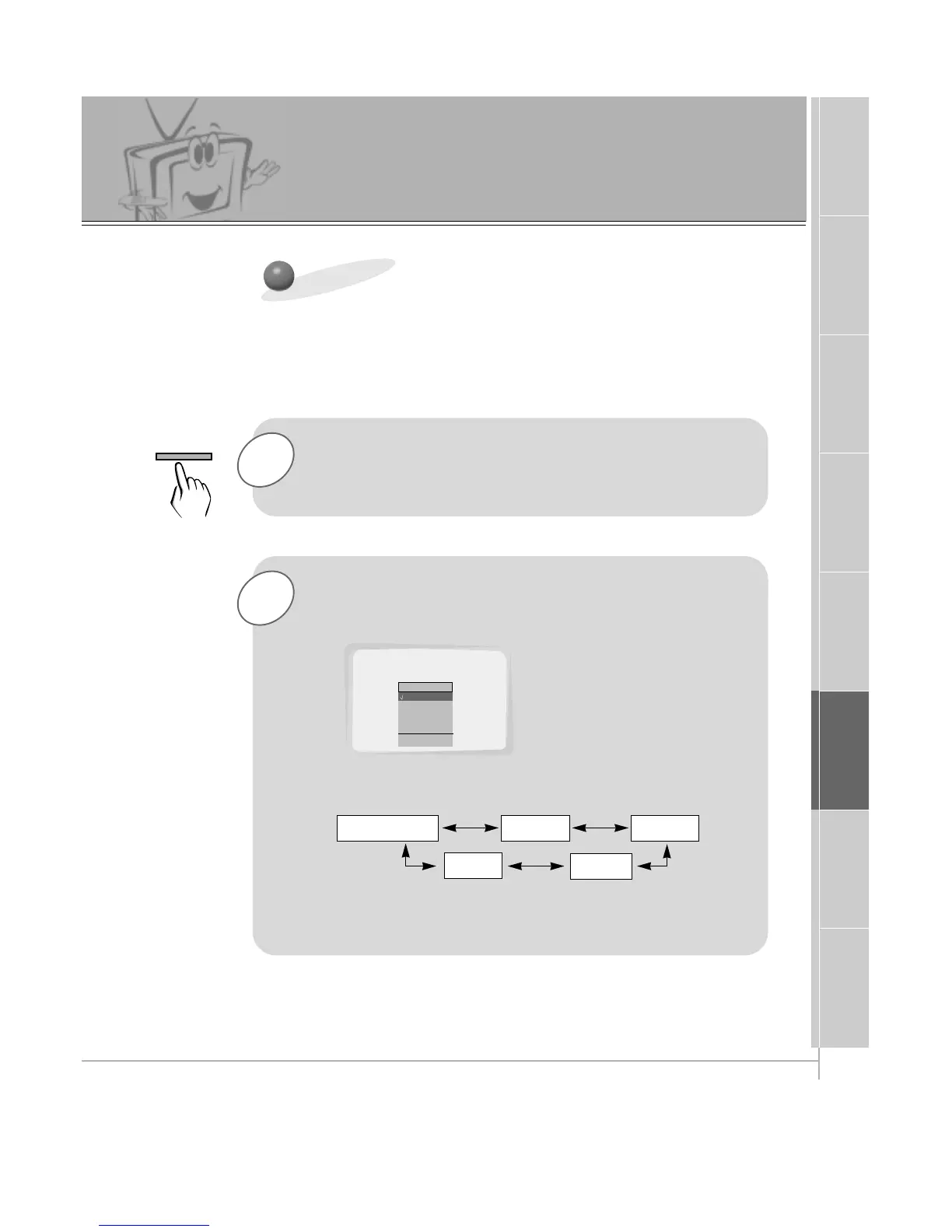
Press the DASP button.
2
Use the DASP or UP/DOWN button to select a
sound setup.
• Each press of DASP or UP/DOWN buttons changes the
menu option as shown below.
• You can also select Normal, Cinema, Music, Sports or
User in the SOUND menu.
Normal Cinema
User
Music
Sports



 To Next Page