• To avoid picture noise (interference), leave an adequate distance (20 inches or more)
between the VCR and monitor.
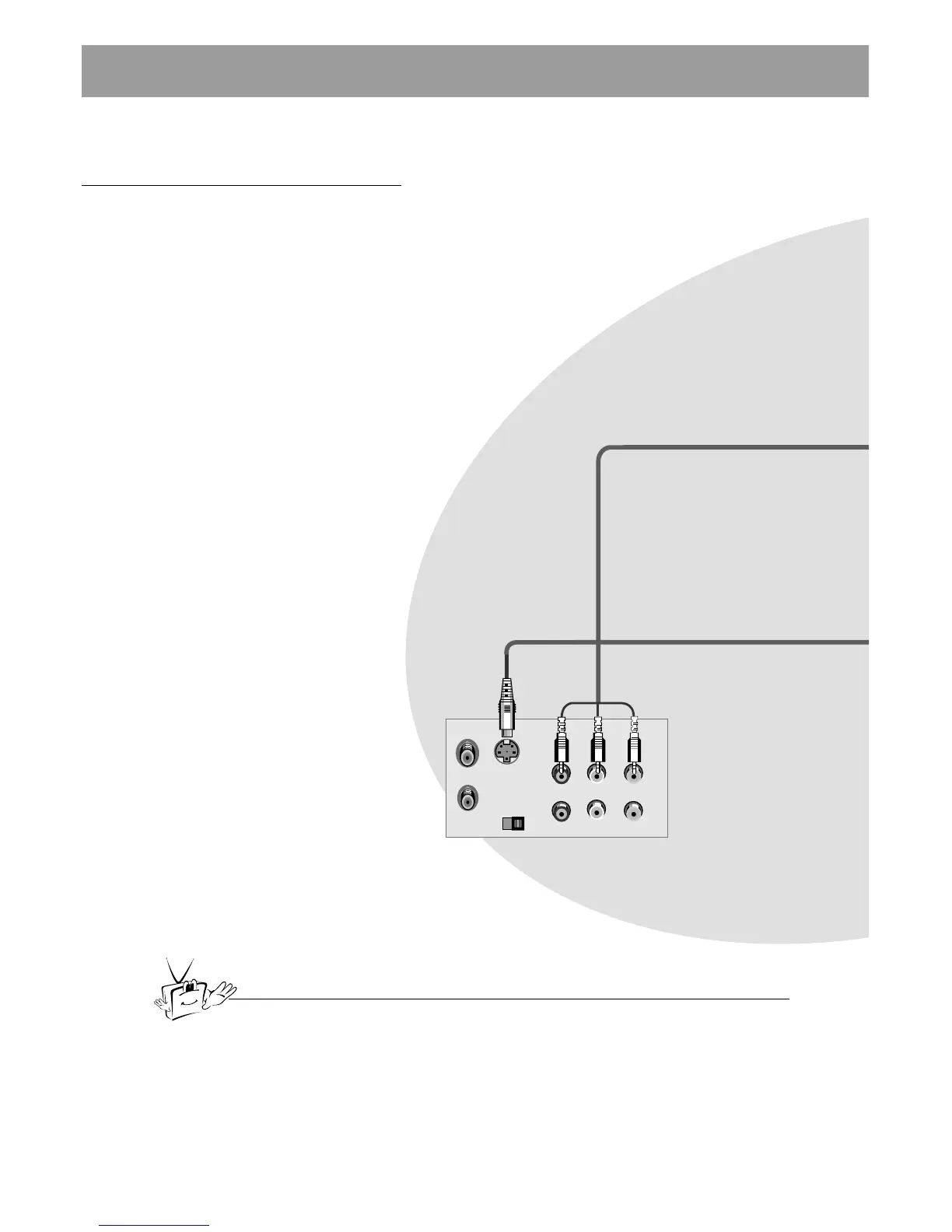
Back Panel of VCR
- As shown below, when connecting the Monitor to a VCR, match the colors of AV input
jacks on the Monitor with the output jacks on the VCR: Video = yellow, Audio (Left) =
white, Audio (Right) = red.
- If you have a mono VCR, connect the audio cable from the VCR to the AUDIO (L/MONO)
input on the LCD Monitor.
- If you connect an S-VIDEO VCR to the S-VIDEO input, the picture quality is improved,
compared to connecting a regular VCR to the Video input.
- Avoid having a fixed image remain on the screen for a long period of time. A frozen still
picture from a VCR (e.g. a Channel label) displayed on the screen for prolonged periods of
time will result in a ghost image remaining even after you change the image. Avoid pro-
longed display of any still image.



 To Next Page