25
Safety Instructions
Monitor Overview
Connections
Basic Operation
Sleep Timer
Picture & Sound
Special Features
Misc.
2
1
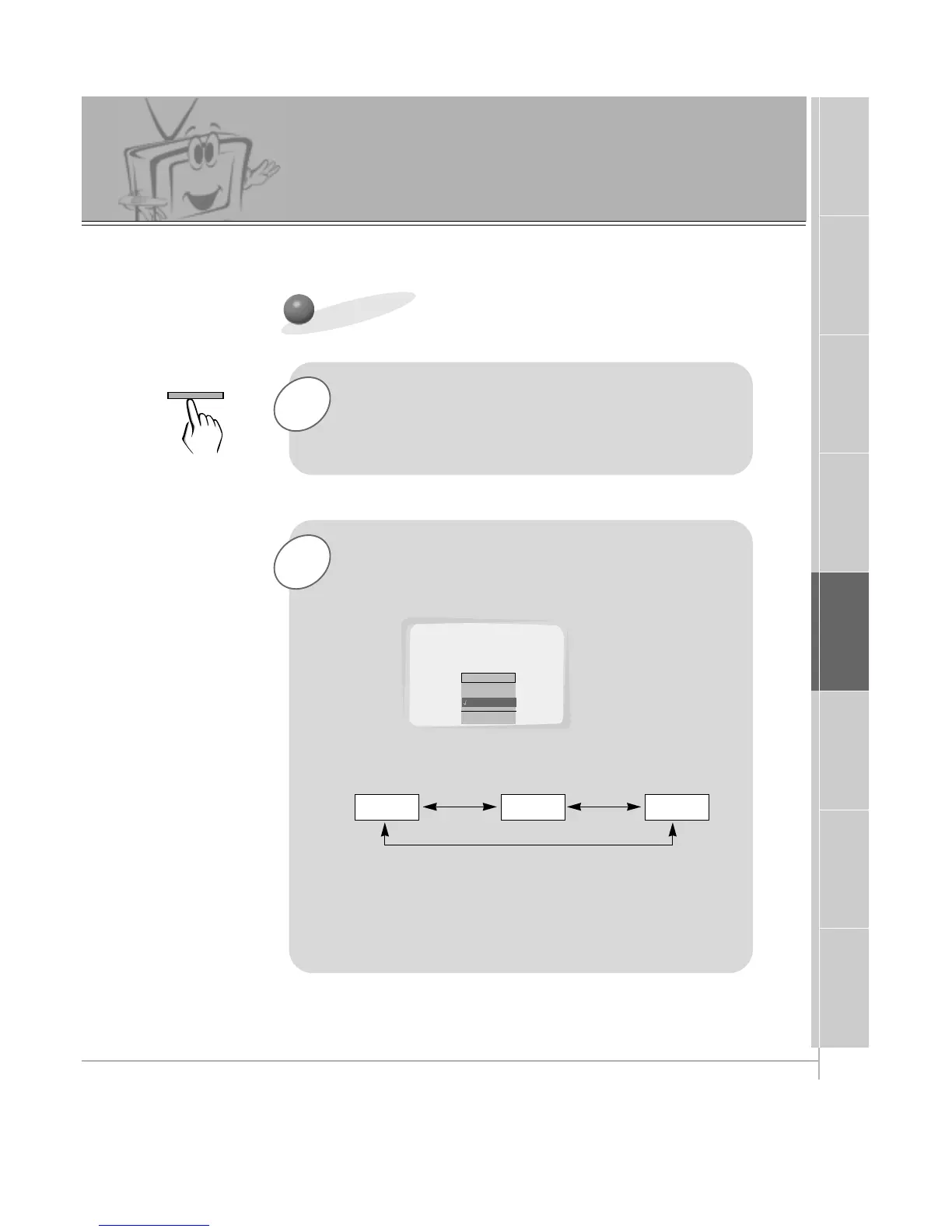
APC (Auto Picture Control)
Press the APC button.
Use the APC or UP/DOWN buttons to select your
desired picture appearance.
• Each press of APC button or UP/DOWN buttons changes
the menu option as shown below.
• You can also select Clear, Soft or User in the
PICTURE menu.
Clear Soft User
Auto Picture Control
Use APC to set up the Monitor for the best picture appearance



 To Next Page