32
Picture Format Selection
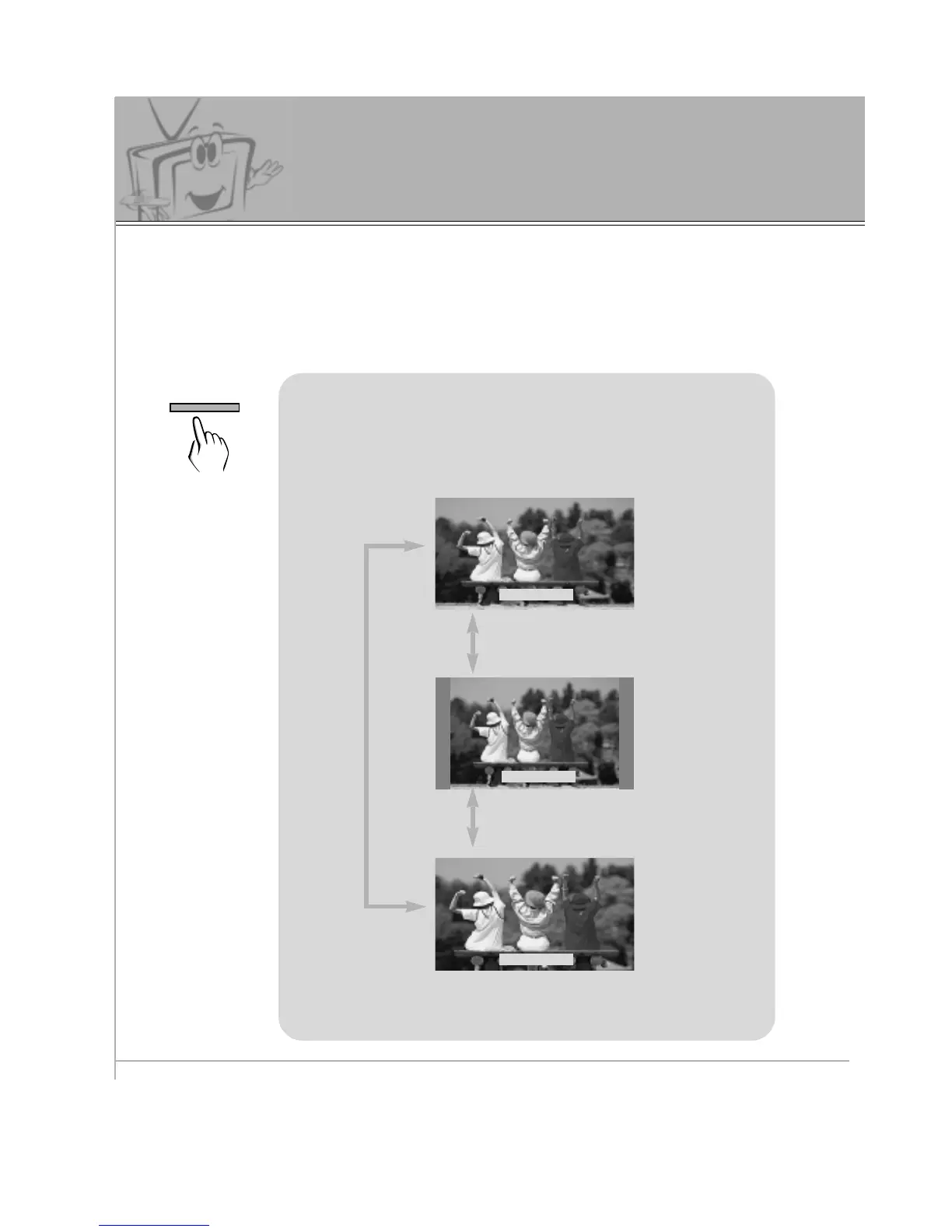
Use the ARC button to select a desired picture
format.
• You can also select WIDE, NORMAL, or ZOOM in the
PICTURE menu.
• Each press of the ARC button, selects WIDE, NORMAL,
or ZOOM option.
WIDE
NORMAL
ZOOM
- Wide and Normal options are available in RGB1 (PC) and RGB2 modes. Wide, Normal, and
Zoom options are available in RGB1 (DTV) and RGB2 (DTV) modes.



 To Next Page