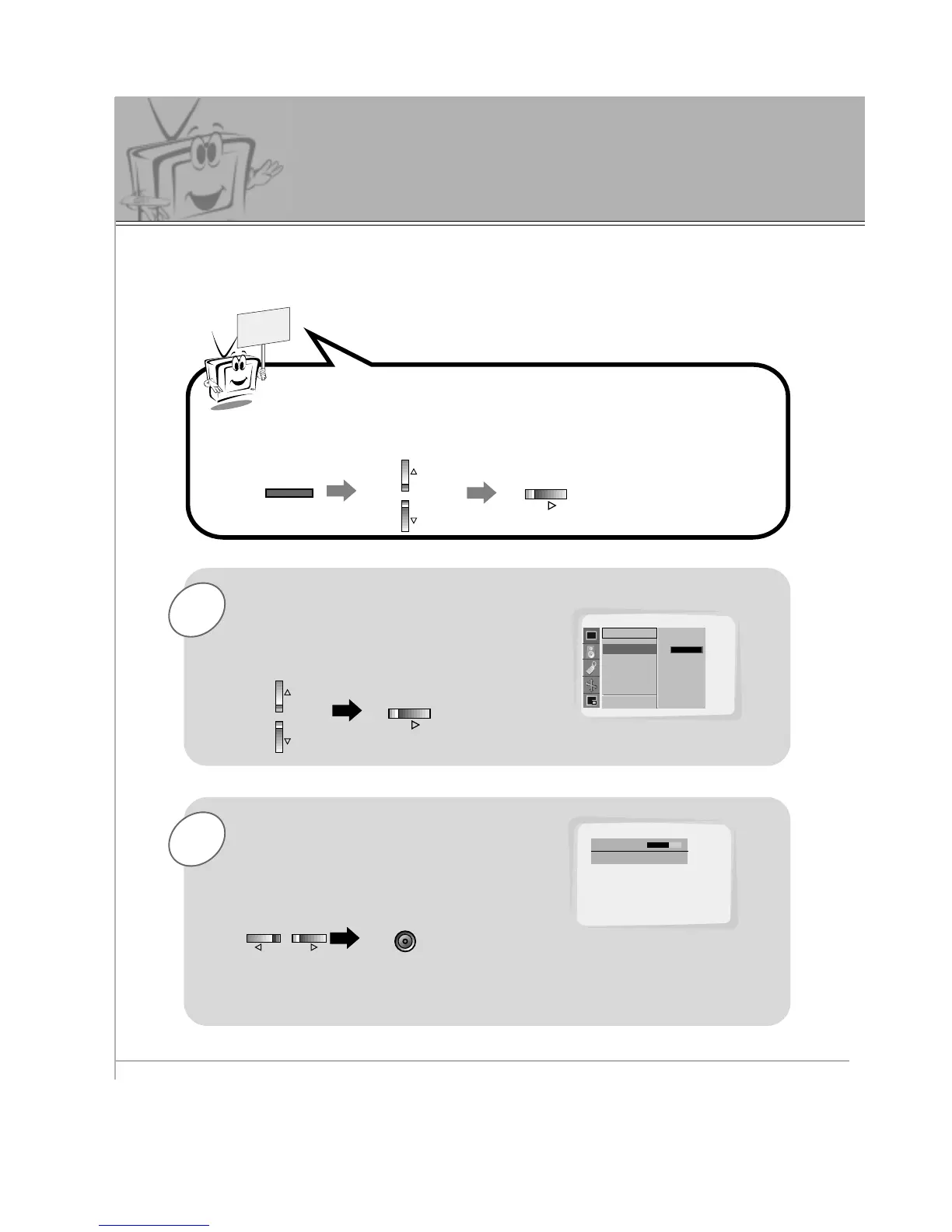
Use the UP/DOWN button to select
Contrast and then press the
VOL (
G
) button.
• Adjust Brightness, Color, Sharpness and Tint in the same way.
Use the VOL buttons to make appro-
priate adjustments and then press the
ENTER button.
• Use the UP/DOWN buttons to select other
menu options.
Press the MENU button and then use the UP/DOWN button to
select PICTURE menu.
Press the VOL (
G
) button.
Adjusting Picture Appearance



 To Next Page