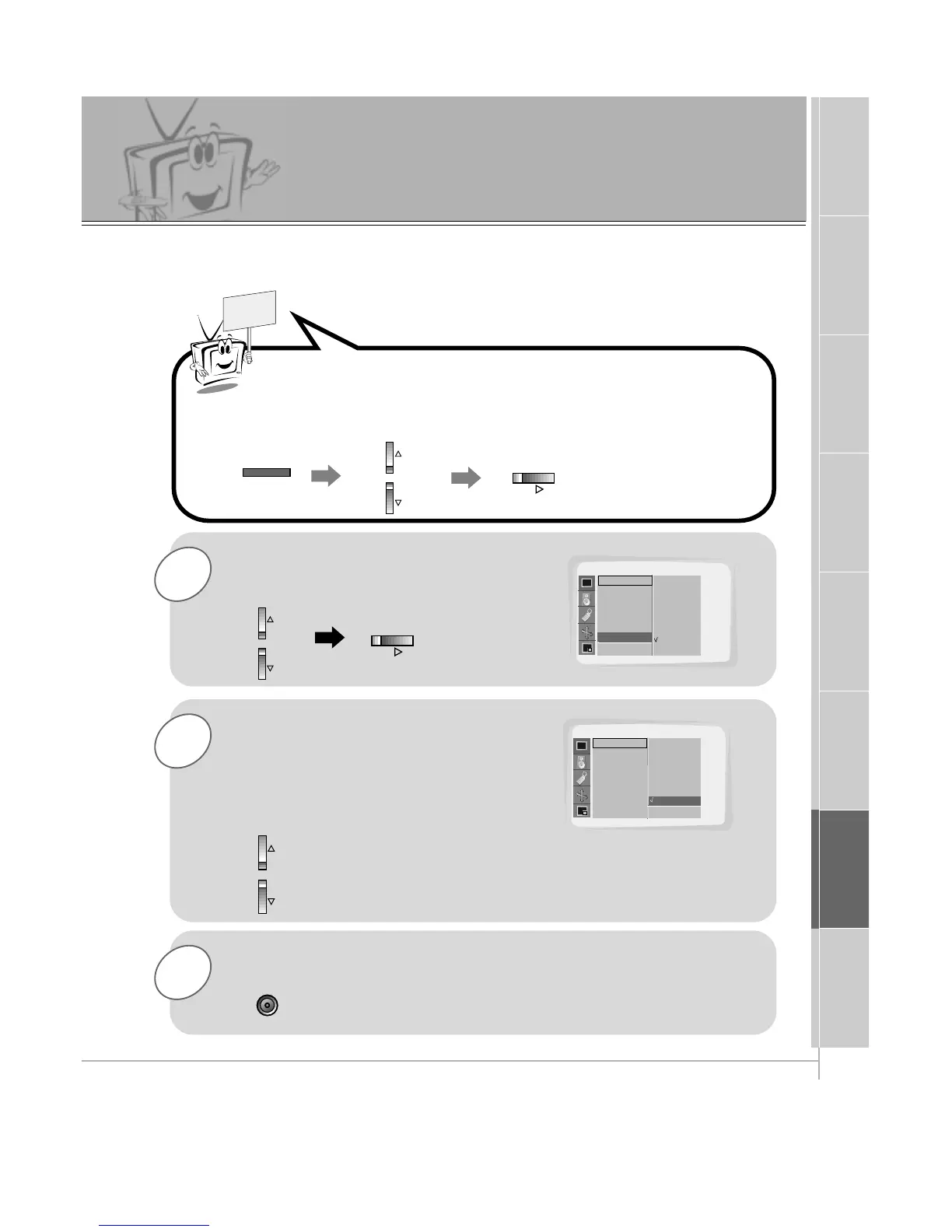
Use the UP/DOWN button to select
Screen and then press the
VOL (
G
) button.
Press the ENTER button to remove menu.
Press the MENU button and then use the UP/DOWN button to
select
PICTURE menu.
Press the VOL (
G
) button.
Using the Screen Option
- This function works in Video and S-video modes.
-
Use this option to correct trembling or picture instability while viewing a video tape.
PICTURE
APC
Contrast
Brightness
Color
Sharpness
Tint
Screen
D
E
Move
Screen G
VCR
TV
PICTURE
APC
Contrast
Brightness
Color
Sharpness
Tint
Screen
D
E
Move
A Prev.
VCR
TV
TV
F Prev.
Use the UP/DOWN buttons to select
TV or VCR.
• Select the VCR option if watching a VCR.
• Select the TV option for other equipment.
(Except VCR.)
• Each time you press the D / E button you toggle
between TV and VCR.



 To Next Page