41
Safety Instructions
Monitor Overview
Connections
Basic Operation
Sleep Timer
Picture & Sound
Special Features
Misc.
1
3
Press the MENU button.
Use the VOL (
G
) button to select a feature to adjust, and then
use the UP/DOWN and LEFT/RIGHT buttons as needed to adjust
the selected menu option.
• Press the MENU button to exit.
- Use the remote control to make adjustments.
- Select RGB 1 input source.
PC Mode Features
2
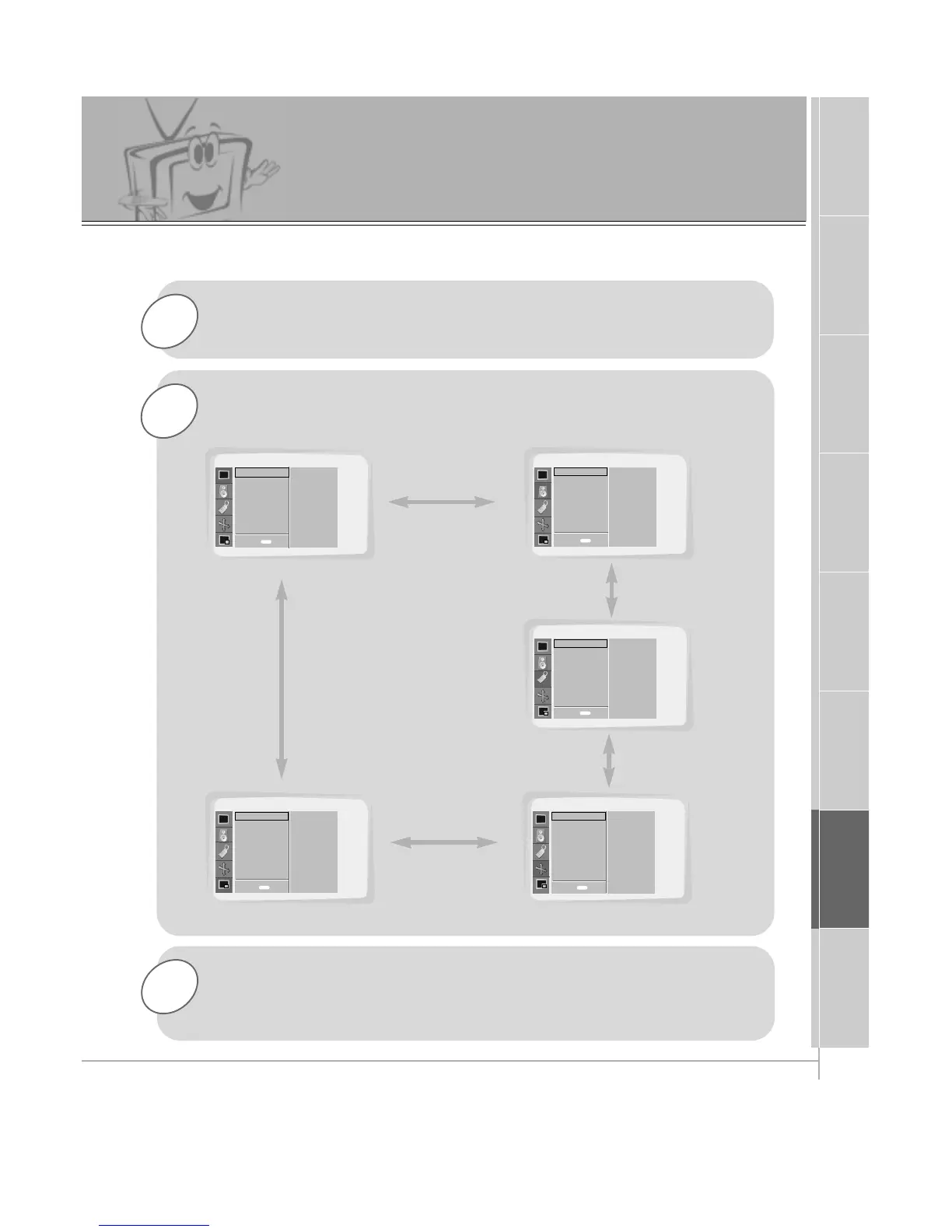
Press the UP/DOWN button.
• Each press will cycle through the menus shown below.
SOUND
SPECIAL
PICTURE ADJ.TWIN/PIP
PICTURE
APC
Contrast
Brightness
Color
Sharpness
Tint
Screen
DASP
Treble
Bass
Balance
Language
Color TEMP.
R-Adjust
G-Adjust
B-Adjust
Screen Saver
Set ID
Auto. Config.
ARC(Main)
Zoom In/Out
Position
Clock Adjust
Phase Adjust
Reset
Twin
PIP
Input (Main)
Input (Sub)
Win. Size
Win. Position
Win. Reset
D
E
Move
D
E
Move
D
E
Move
D
E
Move
D
E
Move
menu
Exit
Exit
Exit
ExitExit
menu
menu
menu
menu



 To Next Page