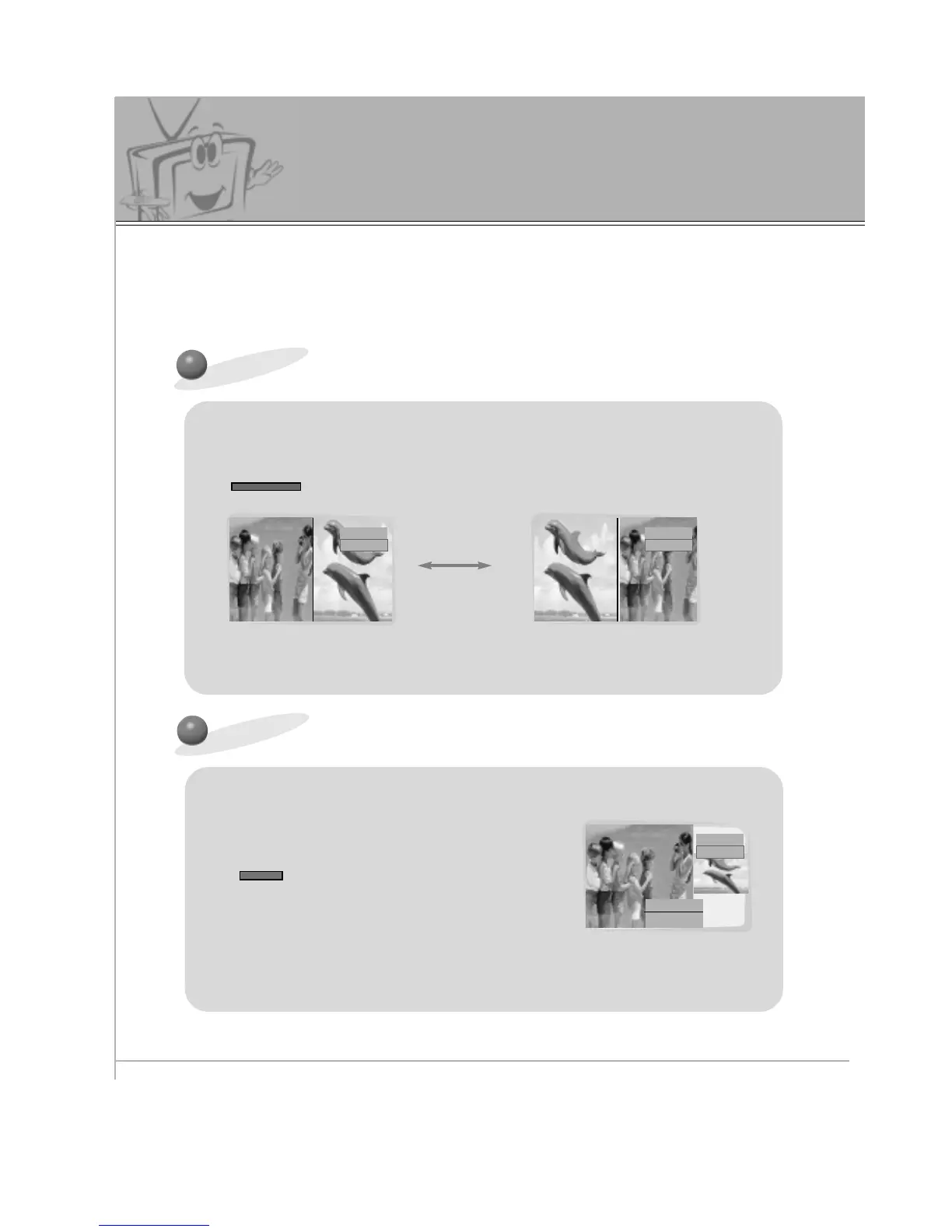
• Use VOL(
F
,
G
) button to change picture size.
• WIN. Position function doesn’t work in the Twin picture mode.
• WIN. Size function doesn’t work if there is no signal for Main/Twin picture.
FGAdjust A Exit
Window. Size
Twin Picture Feature
- TWIN PICTURE let you view different source inputs on your monitor screen at the same time.
- Color of main picture may be different from sub picture in TWIN PICTURE mode.
- When the Main Picture source is RGB1/RGB2/DTV (more than 480p), the Twin Picture source is S-
video/Video/DVD (480i). When the Main Picture source is S-video/Video/DVD (480i), the Twin Picture
source is RGB1/RGB2/DTV (more than 480p).



 To Next Page