24
Setting Sleep Timer
Sleep Timer turns the Monitor off after the preset time expires
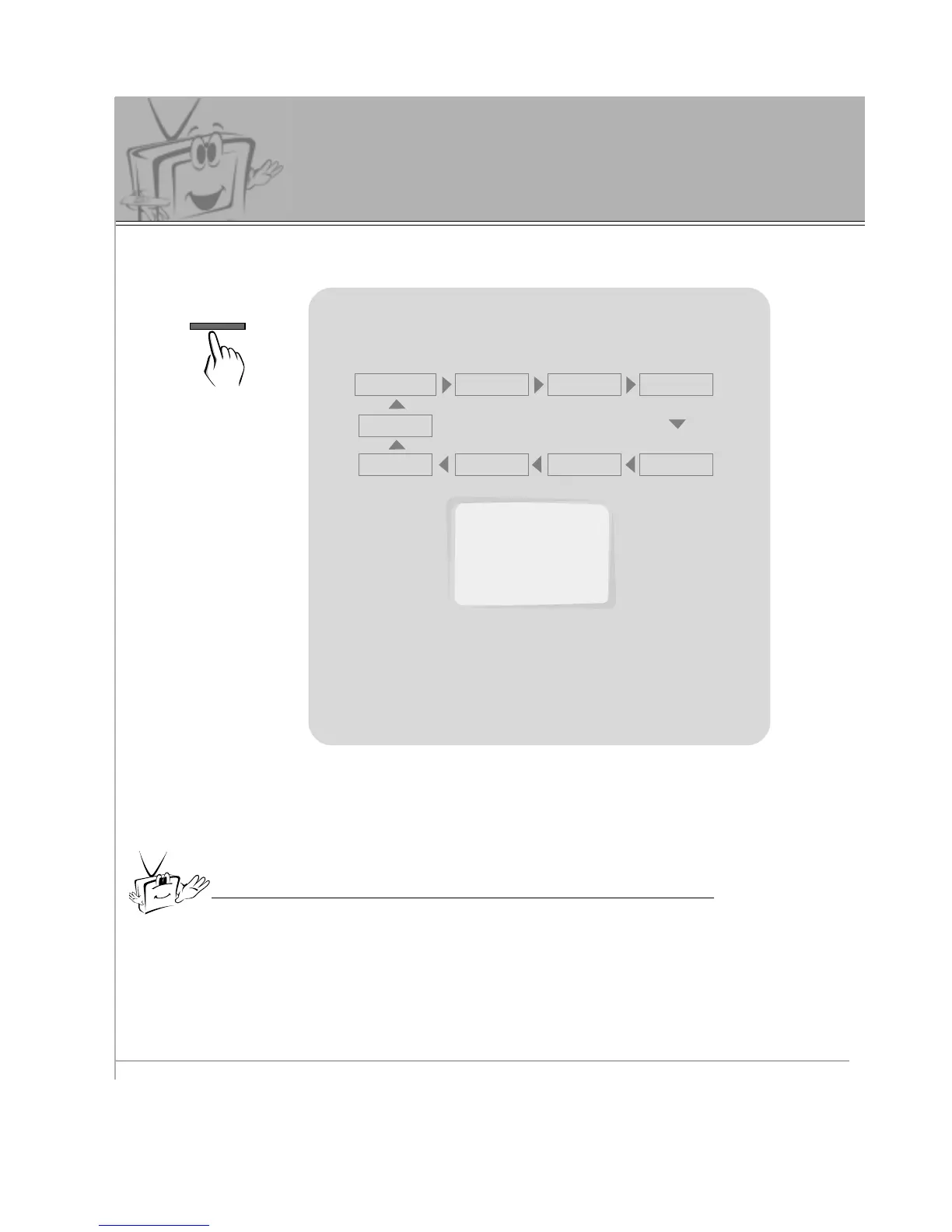
Use the SLEEP button to set sleep time.
Each time you press SLEEP button, the next pre-
set setting time is changed as follows:
• To release sleep time setting, press the SLEEP
button repeatedly to select ---.
---
10
20 30
120 180
240
90 60
• To check remaining sleep time after setting, press the SLEEP or ENTER
button just once.
• If you turn the Monitor off after setting the sleep timer, the setting is erased.
The sleep timer will then have to be set again.
SLEEP: 10



 To Next Page