46
External Control Device Setup
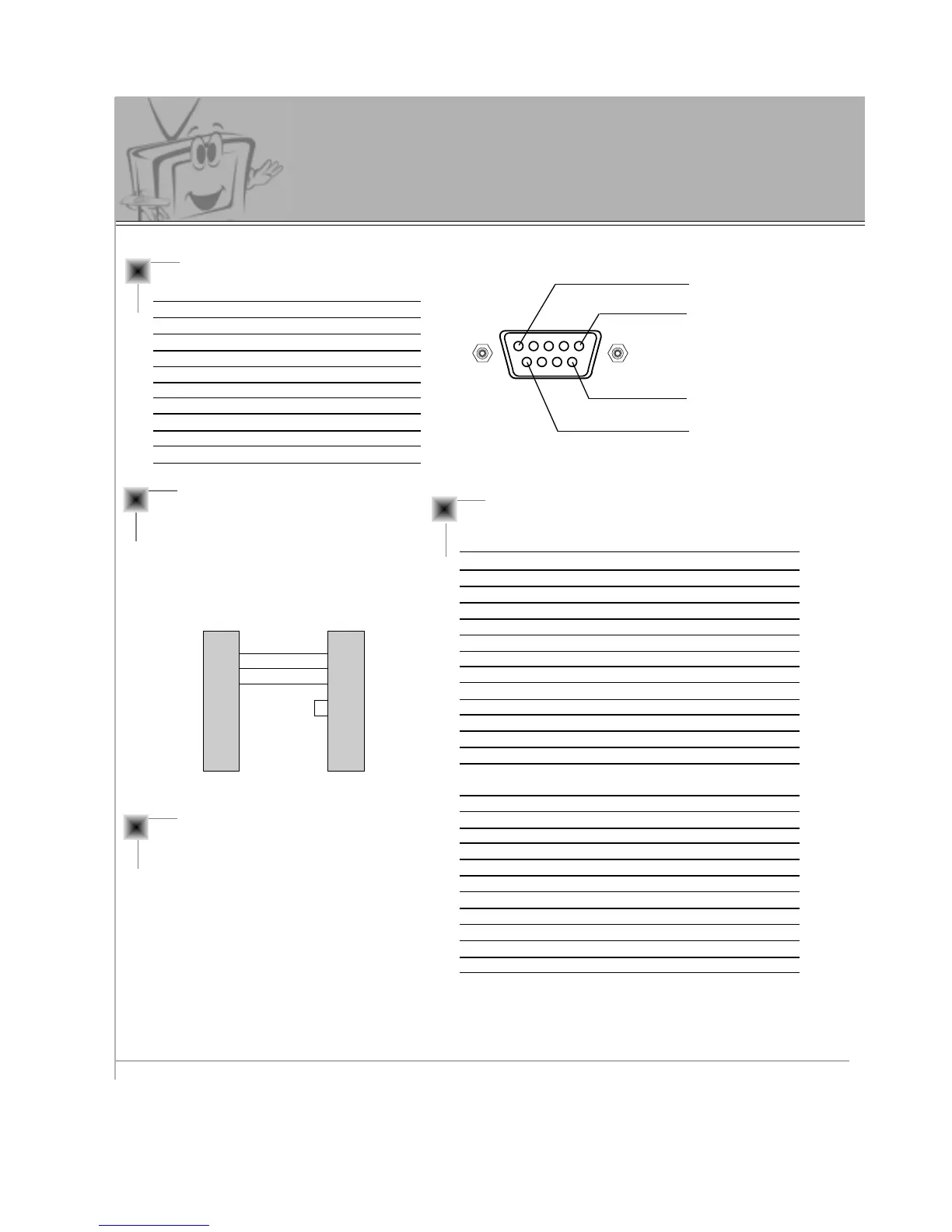
Type of Connector: D-Sub 9-pin Male
No. Pin name
1 No connection
2 RXD (Receive data)
3 TXD (Transmit data)
4 DTR (DTE side ready)
5 GND
6 DSR (DCE side ready)
7 RTS (Ready to send)
8 CTS (Clear to send)
9 No Connection
1
5
6
9
RS-232C Configurations
2
3
5
4
6
7
8
RXD
TXD
GND
DTR
DSR
RTS
CTS
TXD
RXD
GND
DTR
DSR
RTS
CTS
PC
3-wire configuration
(Not standard)
DB 9
3
2
5
4
6
7
8
LCD
DB 9
Communication Parameters
• Baud rate : 115200bps (UART)
• Data length : 8 bits
• Parity : None
• Stop bit : 1 bit
• Communication code : ASCII code
* Use a Crossed (reverse) cable.
- The RS-232C input jack connection is used to control the Monitor’s functions with an external
control device.
NAME Command Command DATA
01. Power k a 0 ~ 1
02. Input Select k b 0 ~ 4
03. Aspect Ratio k c 0 ~ 2
04. Screen Mute k d 0 ~ 1
05. Volume Mute k e 0 ~ 1
06. Volume Control k f 0 ~ 64
07. Contrast k g 0 ~ 64
08. Brightness k h 0 ~ 64
09. Color k i 0 ~ 64
10. Tint k j 0 ~ 64
11. Sharpness k k 0 ~ 64
12. OSD select k l 0 ~ 1
13. remote control k m 0 ~ 1
lock mode
14. PIP select k n 0 ~ 3
15. PIP size k o 0 ~ 1
16. PIP position k q 0 ~ 3
17. Treble k r 0 ~ 64
18. Bass k s 0 ~ 64
19. Balance k t 0 ~ 64
20. Color temperature k u 0 ~ 3
21. R adjust k v 0 ~ 64
22. G adjust k w 0 ~ 64
23. B adjust k $ 0 ~ 64
24. Sub picture input select k y 0 ~ 4
Command Reference List



 To Next Page