SWT
GIGABIT/FAST ETHERNET SWITCH TYPE SWT 39/137
USER GUIDE - M0SWTA1903Iv09 - V09 March 2019
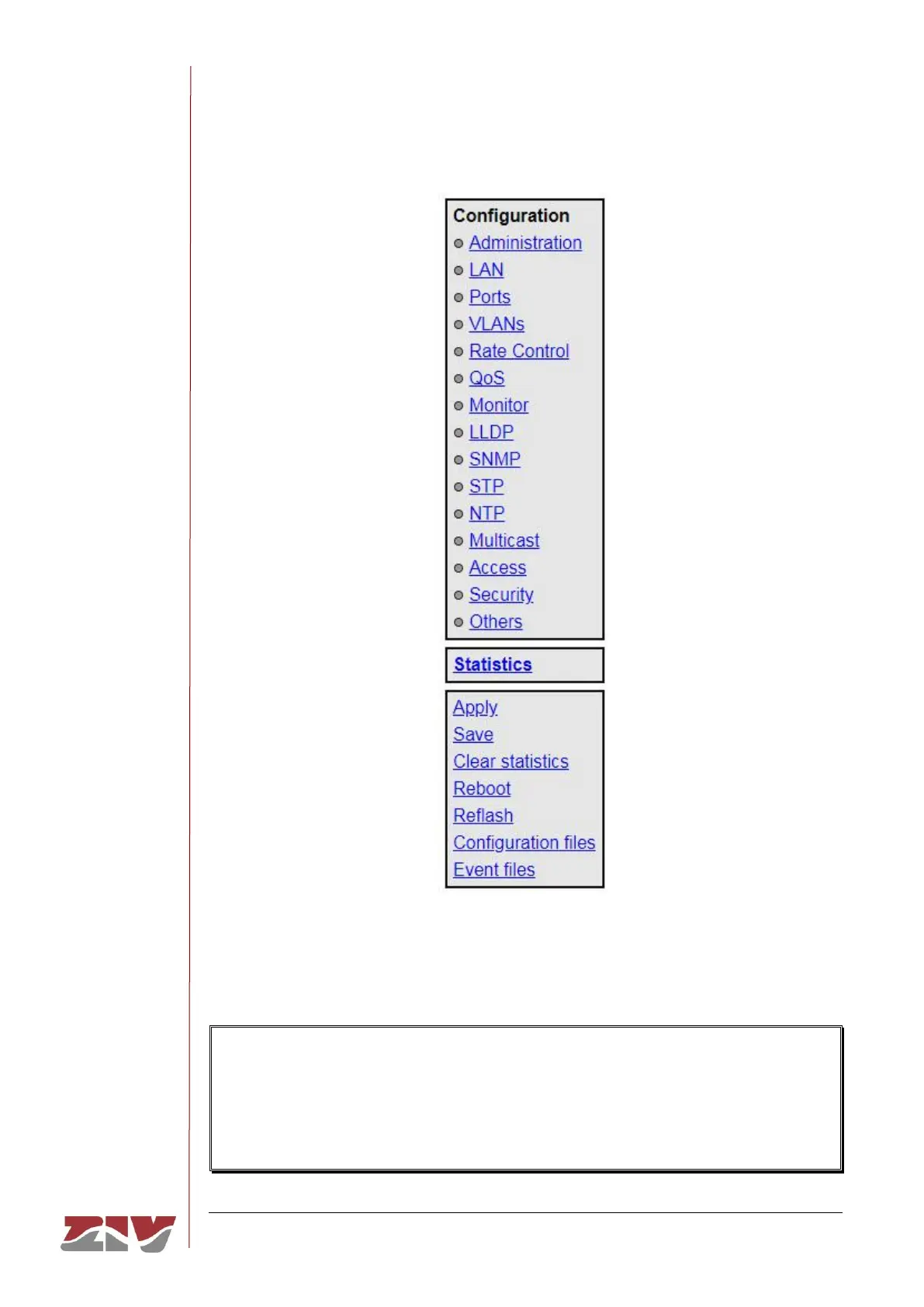
FIGURE 22 HTML page tree menu
In the HTML pages the commands for adding and removing elements from the tabled data
are explicitly shown as buttons labelled Add and Delete, located on each of the objects that
use them.
The factory IP address of the equipment is 192.168.0.1, meaning it is possible to access
the HTTP server to configure it from the very start (see chapter 5).
It should be borne in mind that if the IP address is changed, the IP address of the client
equipment must also be changed accordingly.



 To Next Page