SWT
GIGABIT/FAST ETHERNET SWITCH TYPE SWT 86/137
USER GUIDE - M0SWTA1903Iv09 - V09 March 2019
5.17 REBOOT
The equipment can be rebooted by executing the Reboot command, through the console
or through the HTML pages. The command is available only for the administrator profile.
5.18 CODE REFLASH
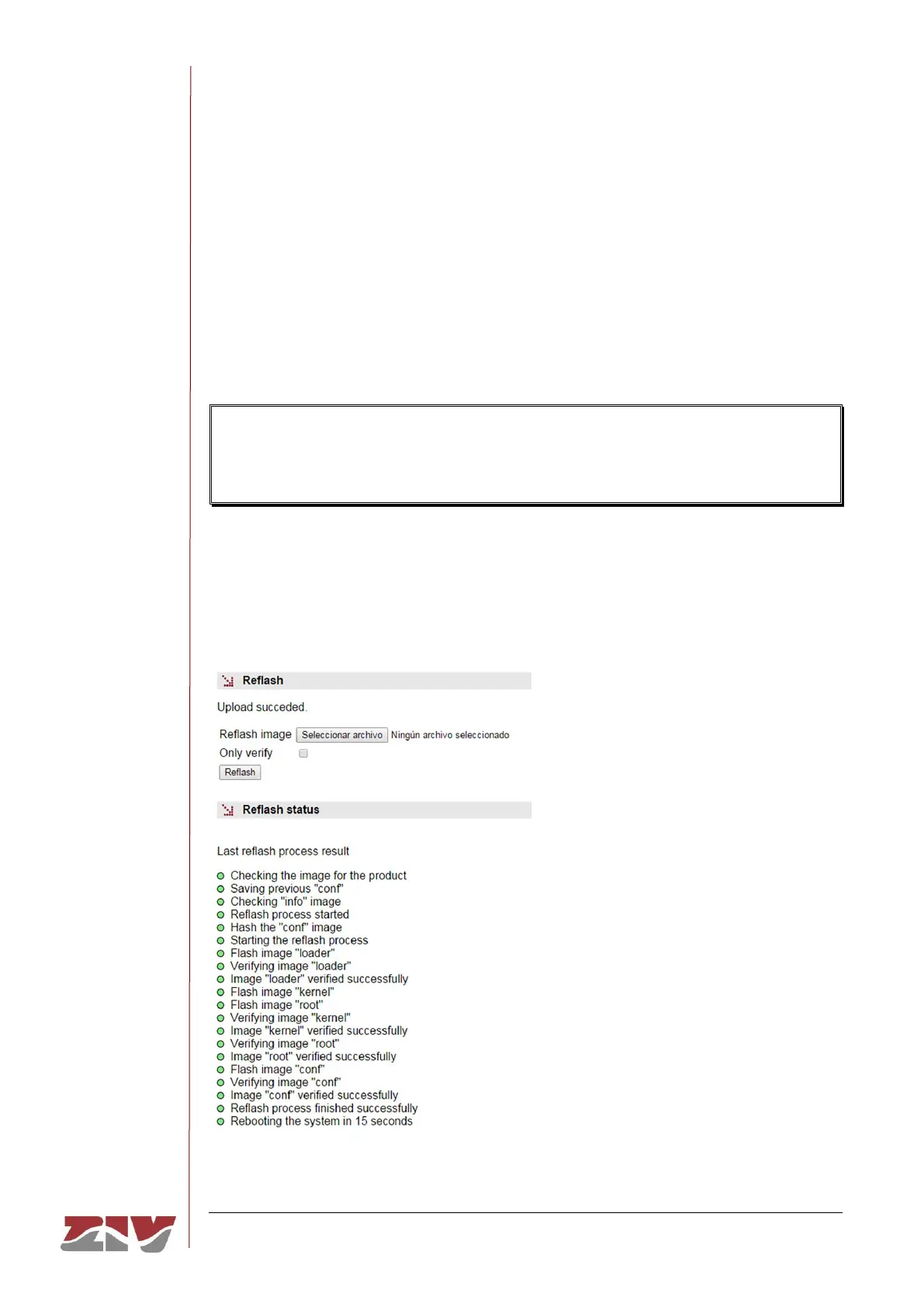
The equipment admits the updating of applicative software by executing the Reflash
command, which is only available in the HTML pages and for the administrator profile.
The code reflash process does not alter the configuration data, unless this is expressly
indicated. Nevertheless, once terminated, it entails a momentary loss of service due to
the automatic rebooting of the equipment.
A binary images that is appropriate for the equipment is necessary, which can be selected
by pressing the button Examine.
FIGURE 49 Reflash configuration page



 To Next Page