SWT
GIGABIT/FAST ETHERNET SWITCH TYPE SWT 42/137
USER GUIDE - M0SWTA1903Iv09 - V09 March 2019
5.1.1 Equipment identification
The identification zone has three parameters; the equipment name (hostname), its location
(location) and the contact data of the responsible person or company (contact). At least
one string of text is required, with at least one character.
The hostname is used automatically as a prompt value on the console.
The identification parameters coincide with those assigned with the same name in the
SNMP data.
5.1.2 Access control
Access control allows the user logins and associated passwords to be determined for the
two pre-established profiles: guest and admin.
The guest profile can only access query operations. On the contrary, the admin. profile has
access to all the system configuration data.
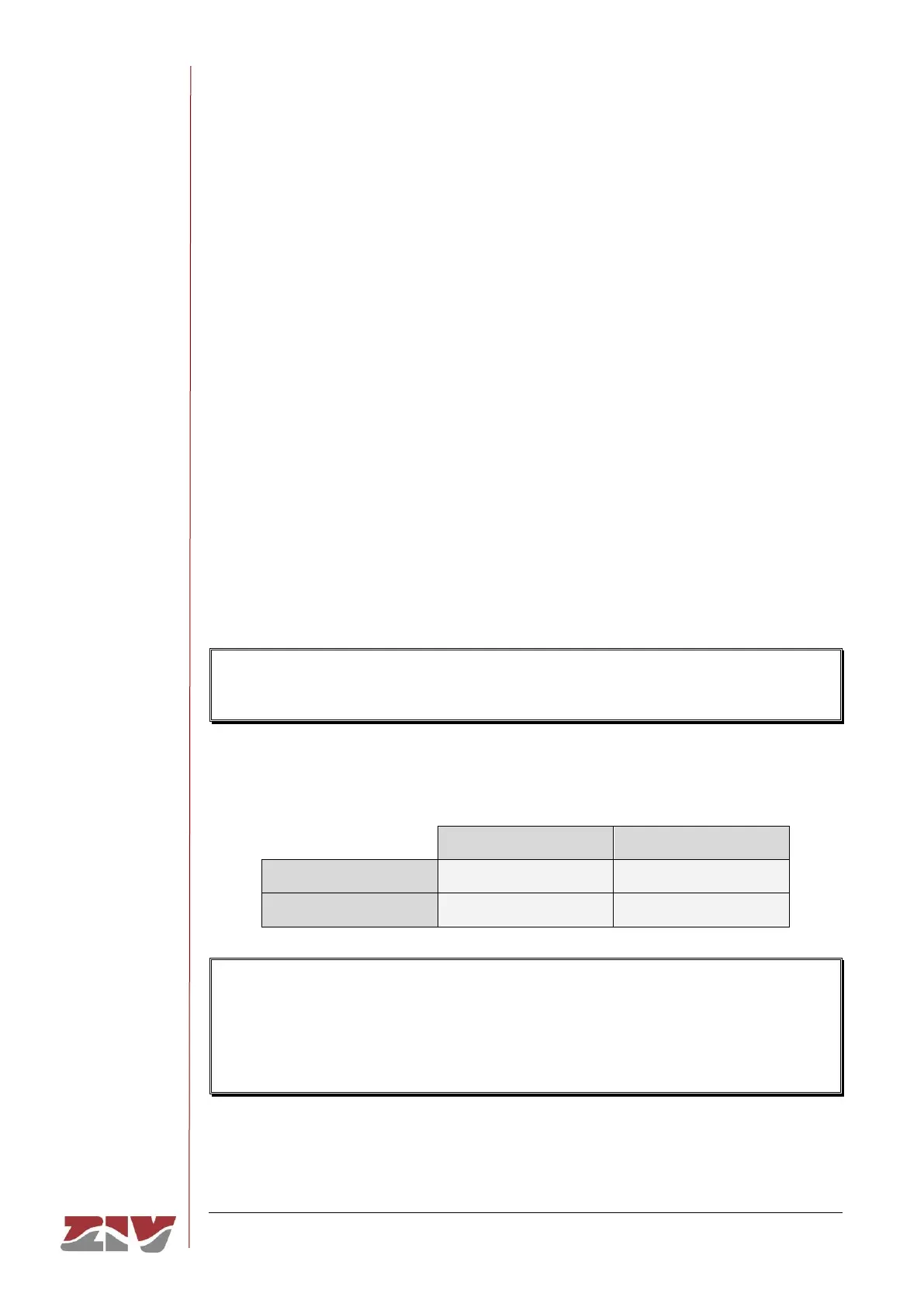
As summarised in TABLE 1, the default values of these parameters are guest and admin
as the logins, with passwd01 and passwd02 being the respective passwords.
It should be borne in mind that the system makes a distinction between upper and lower
case characters.
TABLE 1 System default access codes
It is highly recommended to change at least the password of the admin. profile when
executing the first configuration in each equipment.
It is advisable to store the new password in some type of register as, should the new
password be forgotten, it is not possible to access the web server.



 To Next Page