SWT
GIGABIT/FAST ETHERNET SWITCH TYPE SWT 43/137
USER GUIDE - M0SWTA1903Iv09 - V09 March 2019
5.1.3 Others
This section deals with a parameter that establishes the hour zone in relation to UTC.
5.1.4 Syslog
This section deals with four parameters. The first of them, Local Syslog Level, establishes
the maximum level of severity which is stored in the local Log. The range admitted is
between 1 and 8. The default value is 4.
The levels involve storing all information tagged with a level equal to or lower than the level
specified.
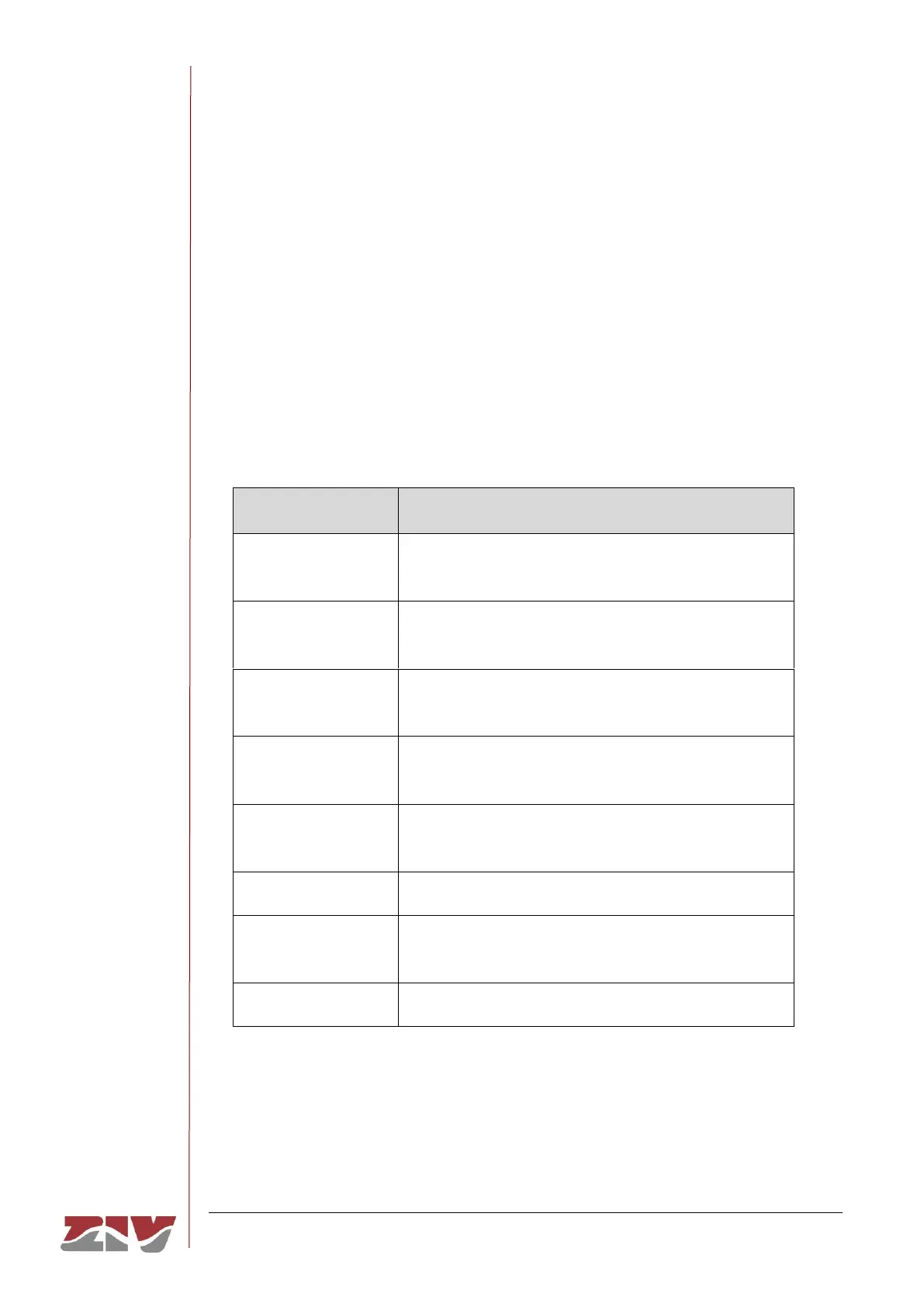
The levels are:
Multiple apps/servers/sites. This level should not be used by
applications.
Should be corrected immediately. An example might be the
loss of the primary ISP connection.
May be used to indicate a failure in the system’s primary
application.
An application has exceeded it file storage limit and attempts
to write are failing.
May indicate that an error will occur if action is not taken, For
example a non-root file system has only 2GB remaining.
Events that are unusual but not error conditions.
Normal operational messages -no action required. Example
an application has started, paused or ended successfully.
Info useful to developers for debugging the application.
The second parameter, Remote Syslog Level, establishes the maximum severity level to
be sent to the Remote Syslog server. The range admitted is between 1 and 8. The default
value is 4. See information about the levels in the previous parameter.



 To Next Page