Setting Explanation
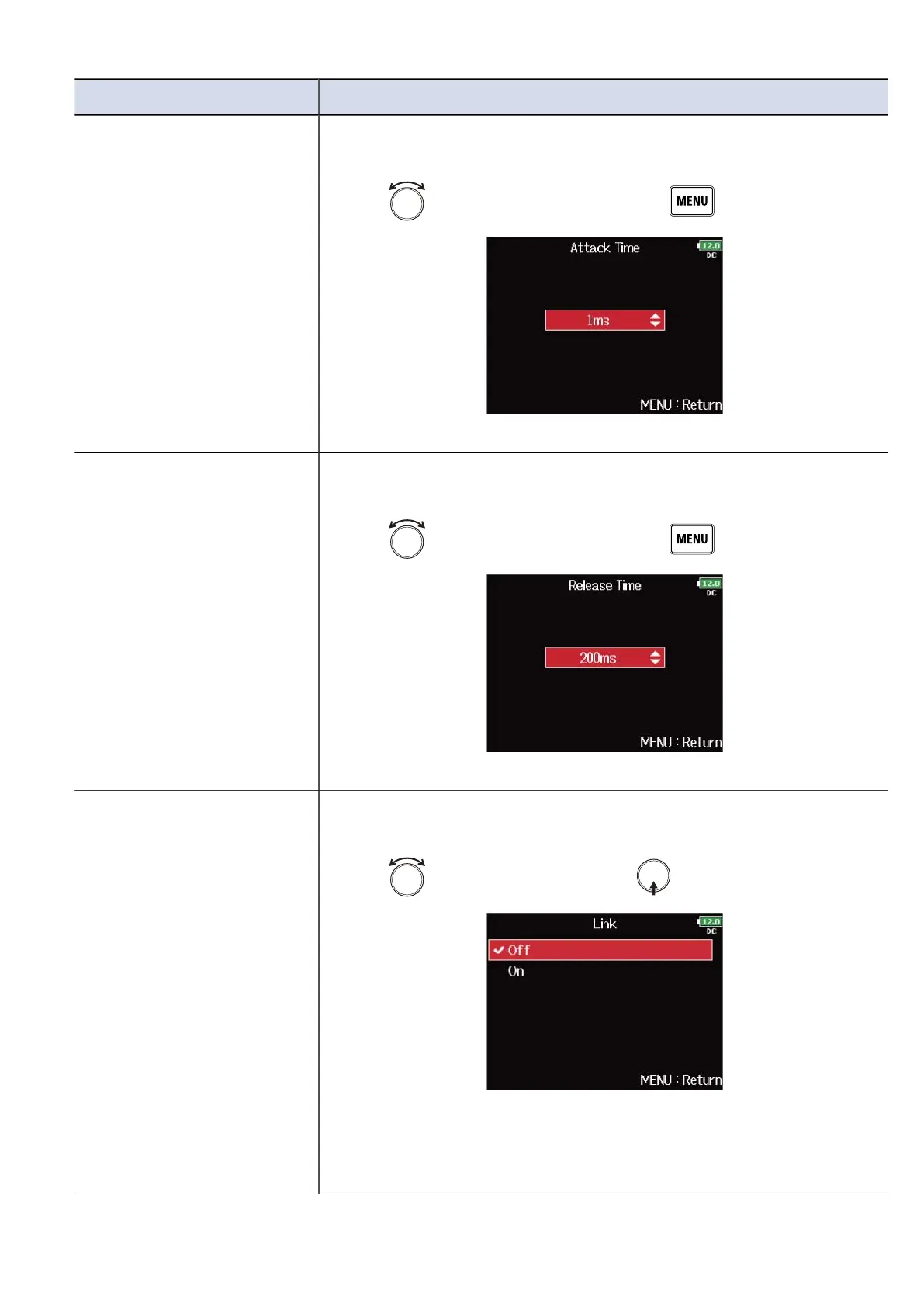
Attack Time
This sets the amount of time until limiting starts after the input signal
exceeds the threshold.
1. Use to adjust the time, and press .
This can be set from 1 to 4 ms.
Release Time
This sets the amount of time until limiting stops after the input signal
goes below the threshold.
1. Use to adjust the time, and press .
This can be set from 1 to 500 ms.
Link
The limiter can be linked or applied separately to MAIN OUT 1 and
MAIN OUT 2, as well as to SUB OUT 1 and SUB OUT 2.
1. Use to select “Off”, and press .
• Off: Separates limiter operation.
• On: Links limiter operation. If the signal for either linked signal
reaches the threshold, the limiter will operate on both channels.
114



 To Next Page