Using the FRC-8
Using the FRC-8 as a controller (Connect)
By connecting the FRC-8 to the F8n Pro, you can use it to adjust trim, fader and pan settings, for example.
1. Press .
This opens the Menu Screen.
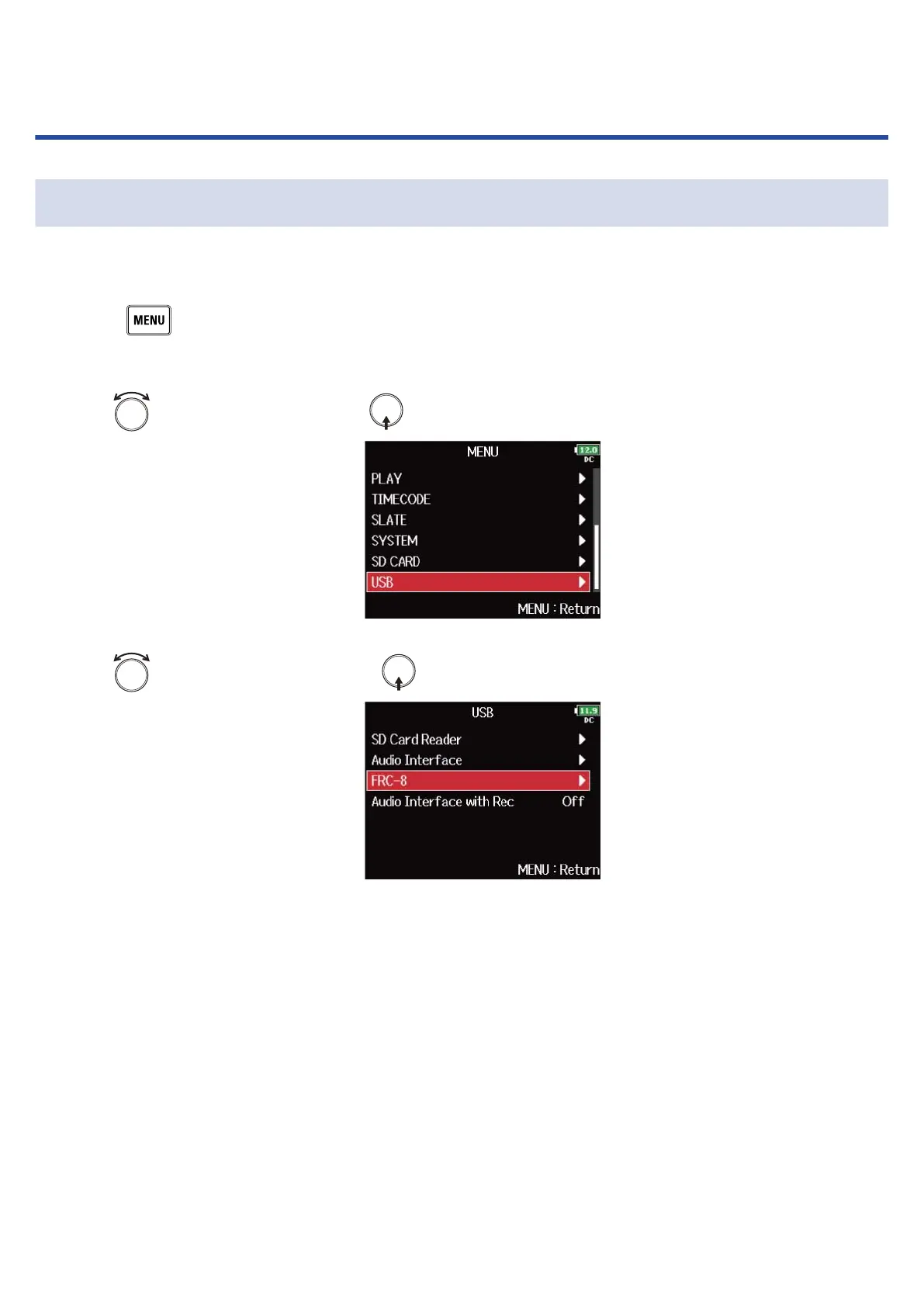
2. Use to select “USB”, and press .
3. Use to select “FRC-8”, and press .
4. Use a USB cable to connect the F8n Pro and the FRC-8.
244



 To Next Page