Monitoring the playback signals of specific tracks during
playback
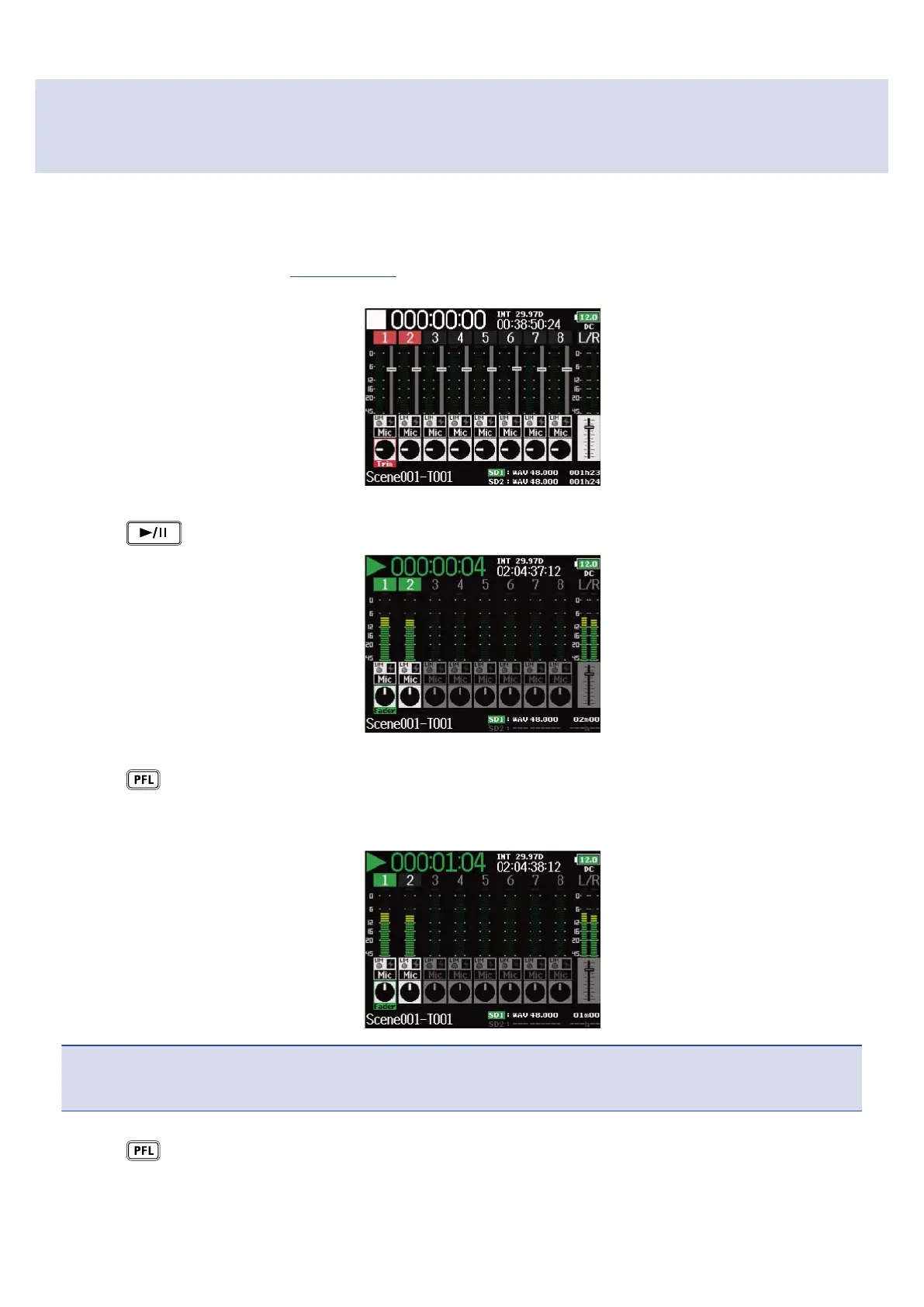
You can monitor the playback signals of specific tracks using SOLO mode.
1. Open the Home Screen. (→Home Screen)
2. Press to start playback.
3. Press on the tracks that you want to monitor.
The background colors for the selected tracks will become green, and their track indicators will light
orange.
NOTE:
SOLO mode can only be used with tracks that can be played back (indicators lit green).
4. Press of a track being monitored to stop monitoring it.
198



 To Next Page