Setting MP3 file bit rate (MP3 Bit Rate)
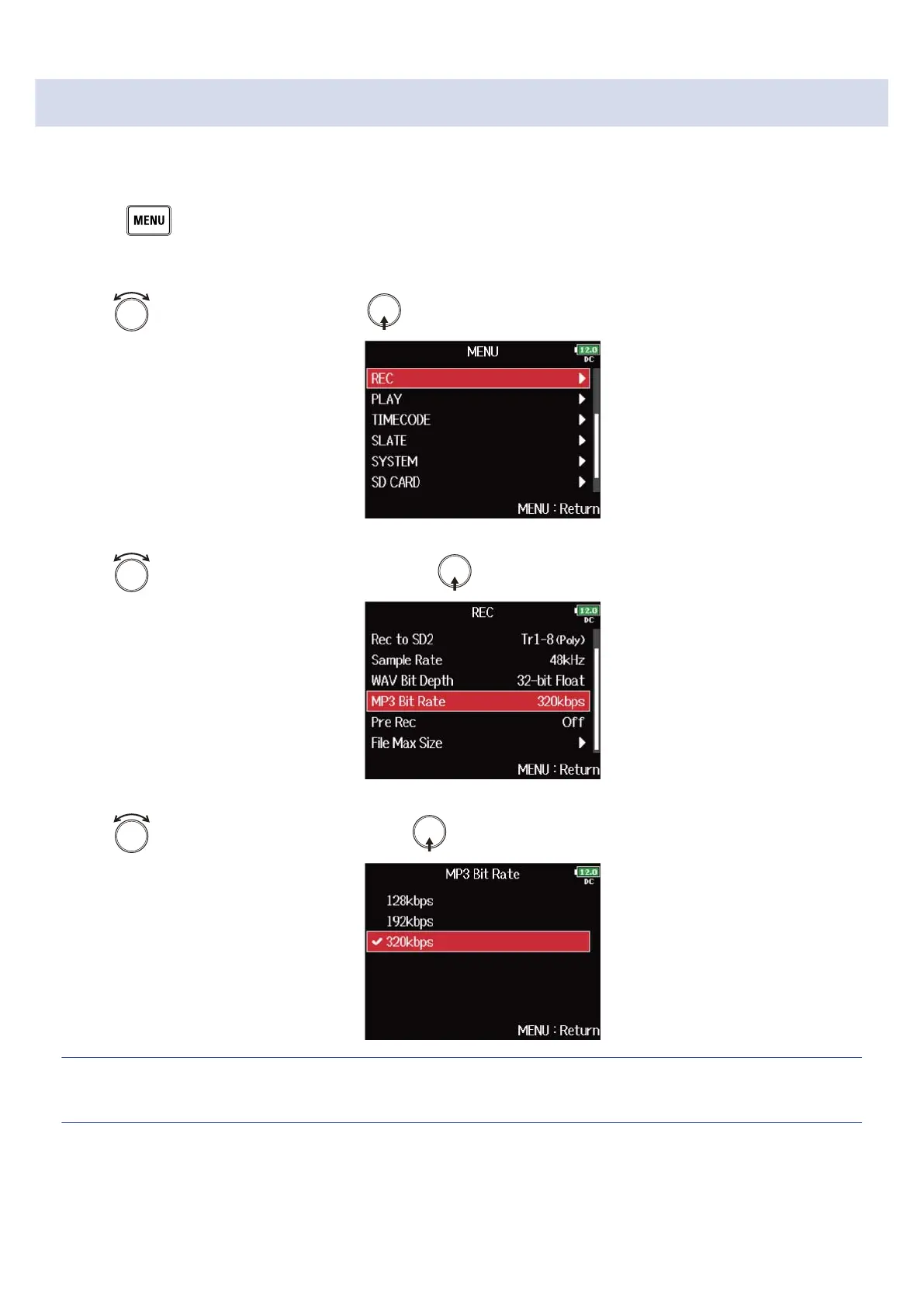
You can set the bit rate of recorded MP3 files.
1. Press .
This opens the Menu Screen.
2. Use to select “REC”, and press .
3. Use to select “MP3 Bit Rate”, and press .
4. Use to select the bit rate, and press .
HINT:
This can be set to 128 kbps, 192 kbps or 320 kbps.
127



 To Next Page