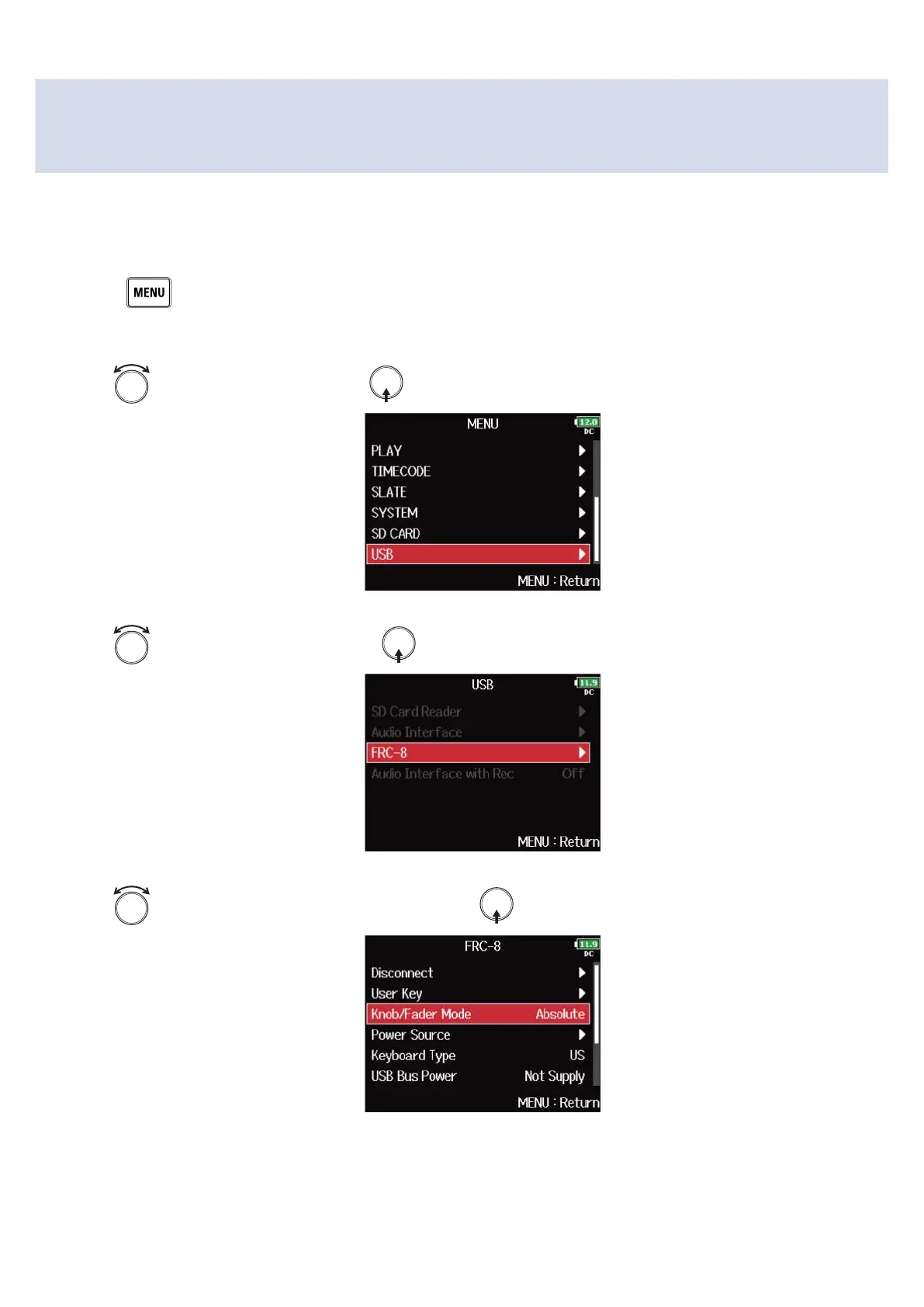
Setting FRC-8 fader and knob operation (Knob/Fader
Mode)
How the FRC-8 faders and TRIM/PAN knobs operate when their positions differ from actual parameter
values can be set.
1. Press .
This opens the Menu Screen.
2. Use to select “USB”, and press .
3. Use to select “FRC-8”, and press .
4. Use to select “Knob/Fader Mode”, and press .
248



 To Next Page