Making output setting
Setting signals sent to headphones (Headphone Routing)
You can set the type of signal sent to the headphone output to either prefader or postfader for each track.
You can also save 10 setting combinations (Setting 1 – Setting 10).
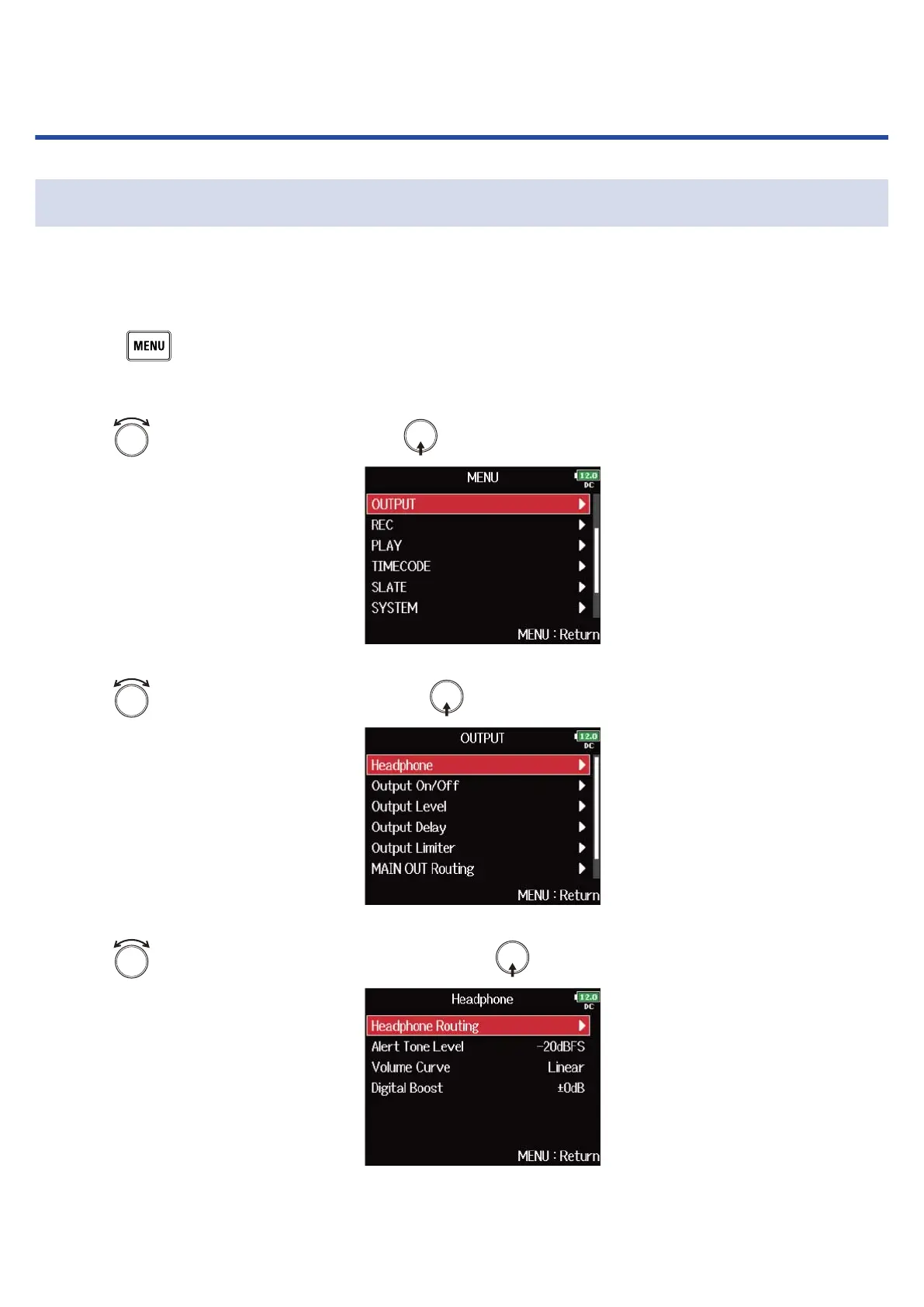
1. Press .
This opens the Menu Screen.
2. Use to select “OUTPUT”, and press .
3. Use to select “Headphone”, and press .
4. Use to select “Headphone Routing”, and press .
93



 To Next Page