Using timecode
Timecode overview
The F8n Pro can input and output SMPTE timecode.
Timecode is time information written to data when recording video and audio. It is used for video editing,
control of other devices, and synchronization of audio and video.
■ Using timecode for editing
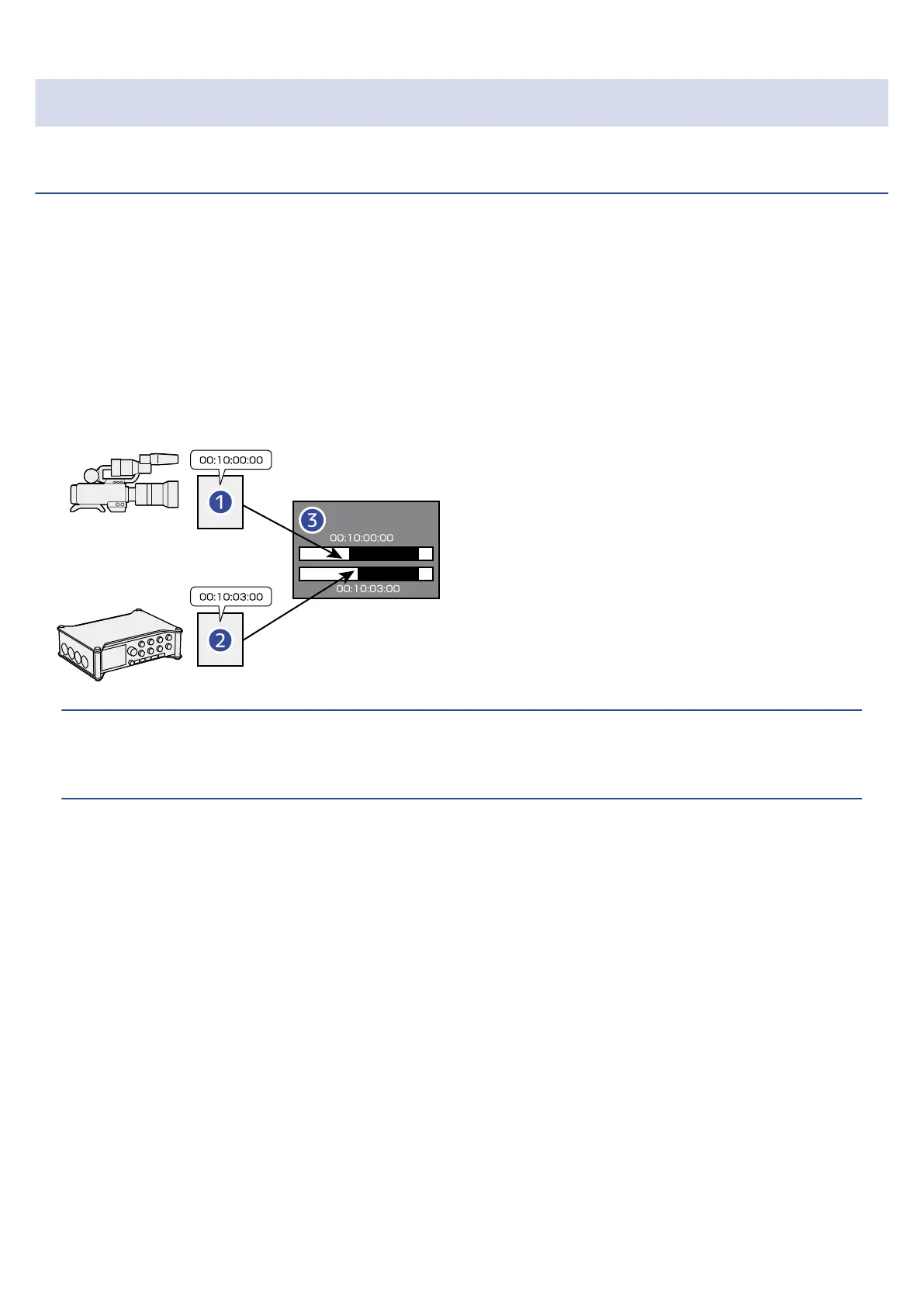
If video and audio data both have recorded timecode, aligning them to a timeline and synchronizing them
together is easy when using nonlinear editing software for editing.
❶
Video file with timecode recorded
❷
Audio file with timecode recorded
❸
Nonlinear editing software
HINT:
The F8n Pro uses a precision oscillator that generates timecode with a high degree of accuracy (+/- 0.2 ppm,
or approximately 0.5 frames per 24 hours).
135



 To Next Page