Setting the monitoring sound on the PFL Screen (PFL
Mode)
On the PFL Screen, you can set the monitored sound to be either prefader listening (PFL) or postfader solo
(SOLO). (→Monitoring the input signals of specific tracks (PFL/SOLO))
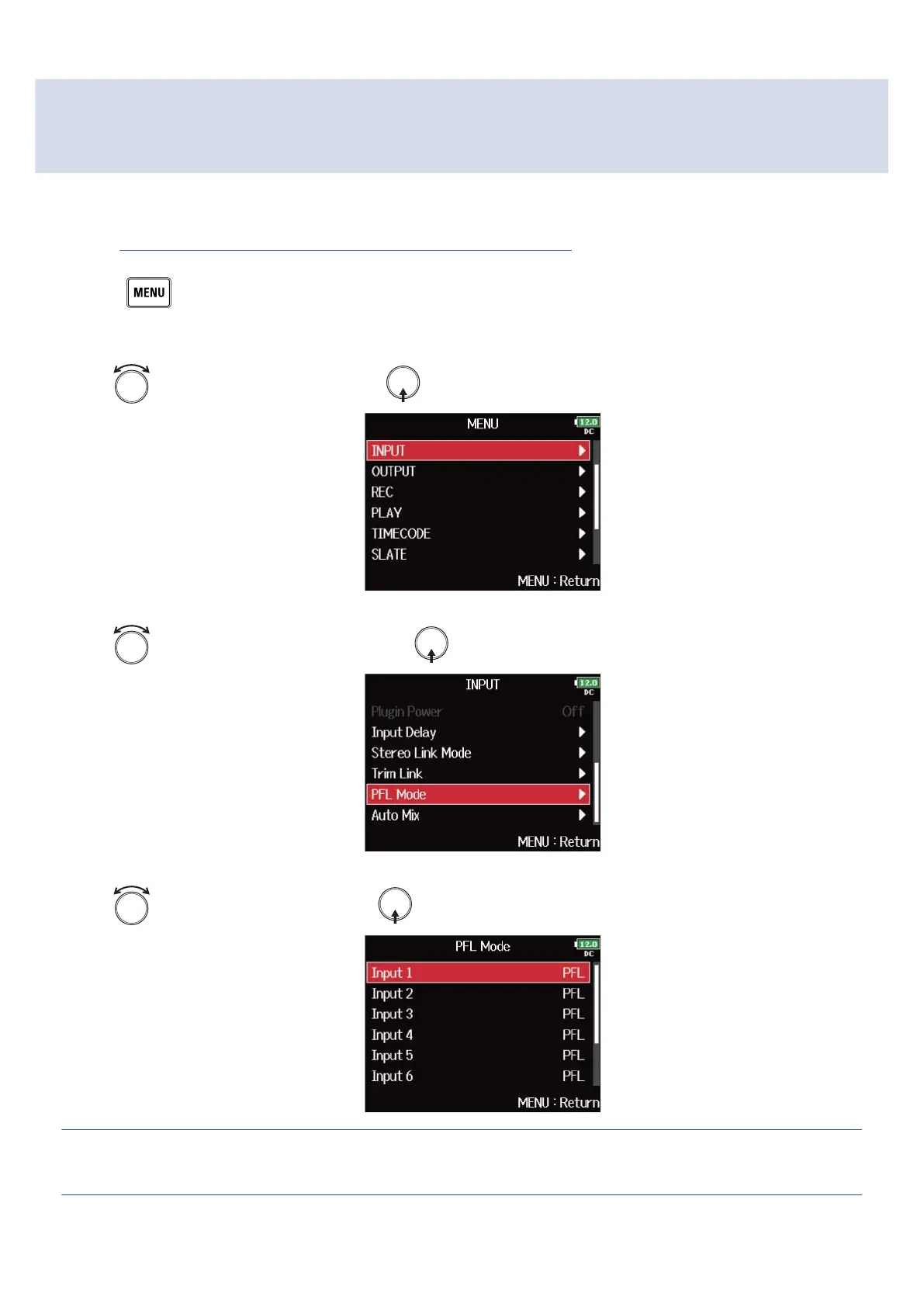
1. Press .
This opens the Menu Screen.
2. Use to select “INPUT”, and press .
3. Use to select “PFL Mode”, and press .
4. Use to select a track, and press .
HINT:
Select “All” to set all the tracks at the same time.
53



 To Next Page