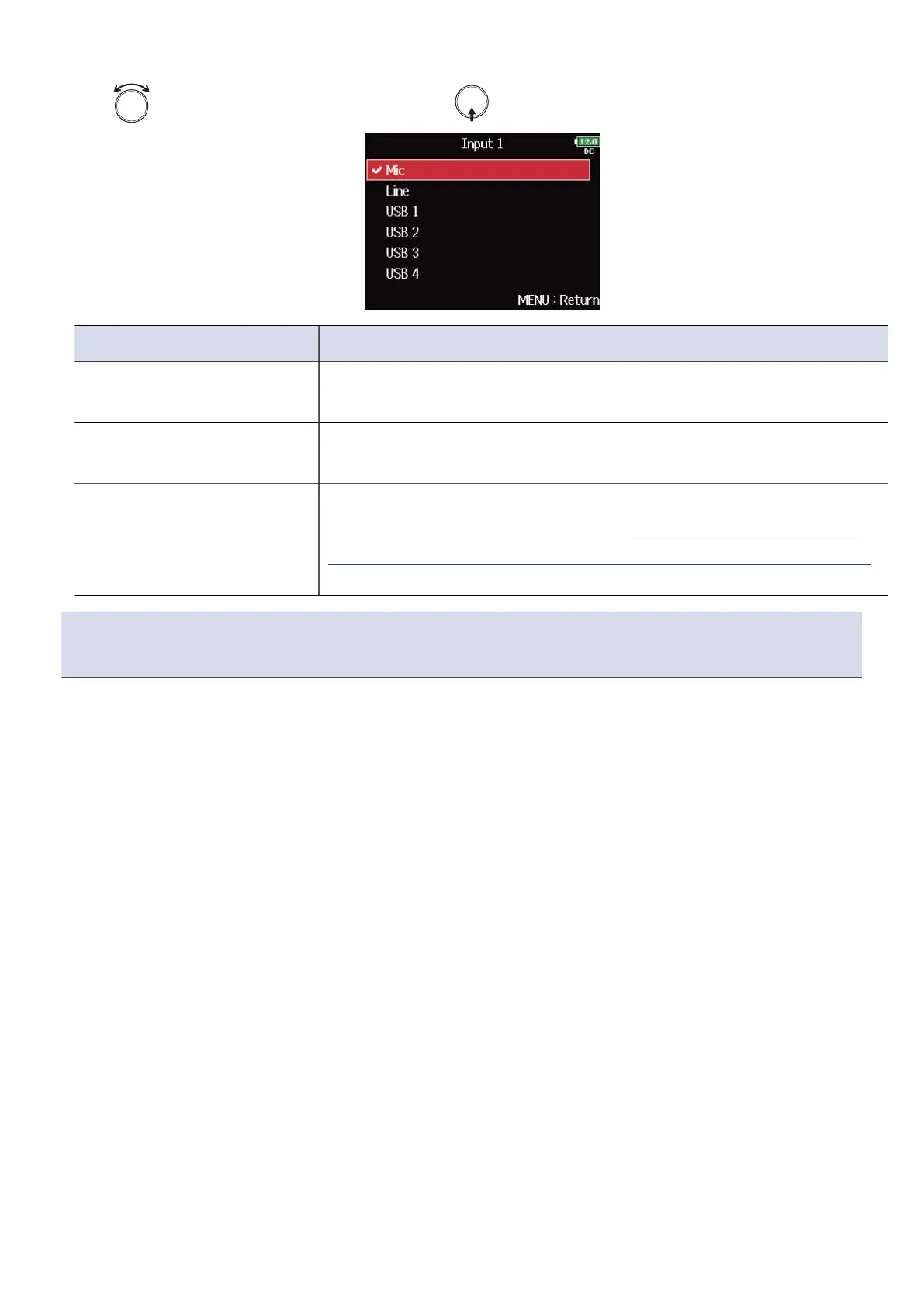
5. Use to select the input source, and press .
Setting Explanation
Mic Select this when connecting a mic or other equipment with a low
input level.
Line Select this when connecting line level equipment. The input level will
be reduced 20 dB compared to when “Mic“ is selected.
USB
1、USB
2、USB
3、USB
4
When “Audio Interface with Rec” is set to “On”, computer output
signals are treated as input signals. (→Using SD card recording and
audio interface functions at the same time (Audio Interface with Rec)
)
NOTE:
When a mic capsule is connected, the Input Source cannot be changed for Inputs 1 and 2.
52



 To Next Page