Using SD card recording and audio interface functions at the same
time (Audio Interface with Rec)
In addition to the two SD cards, a computer can also be used for recording backup.
■ Connecting to a computer
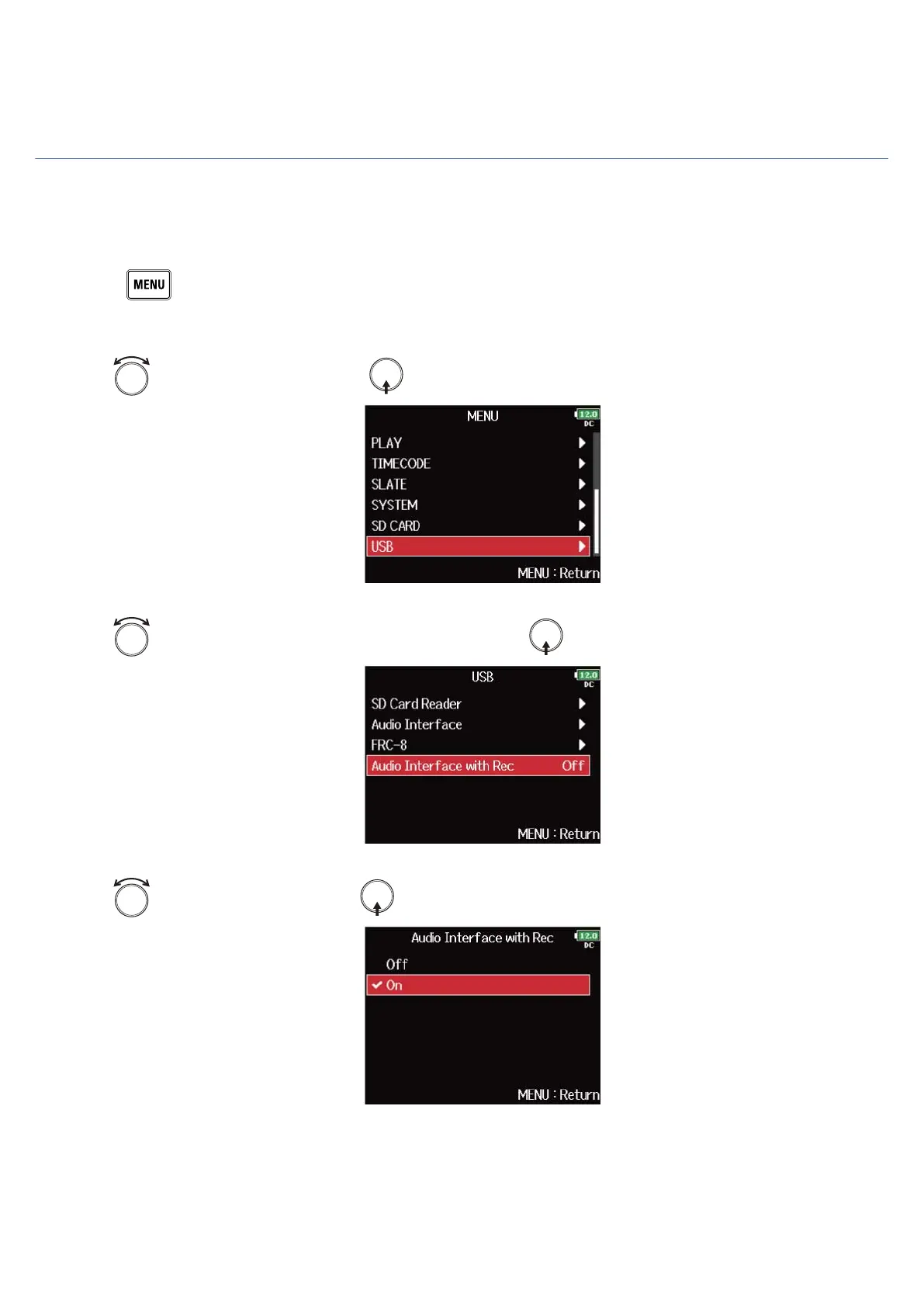
1. Press .
This opens the Menu Screen.
2. Use to select “USB”, and press .
3. Use to select “Audio Interface with Rec”, and press .
4. Use to select “On”, and press .
238



 To Next Page