Disconnecting
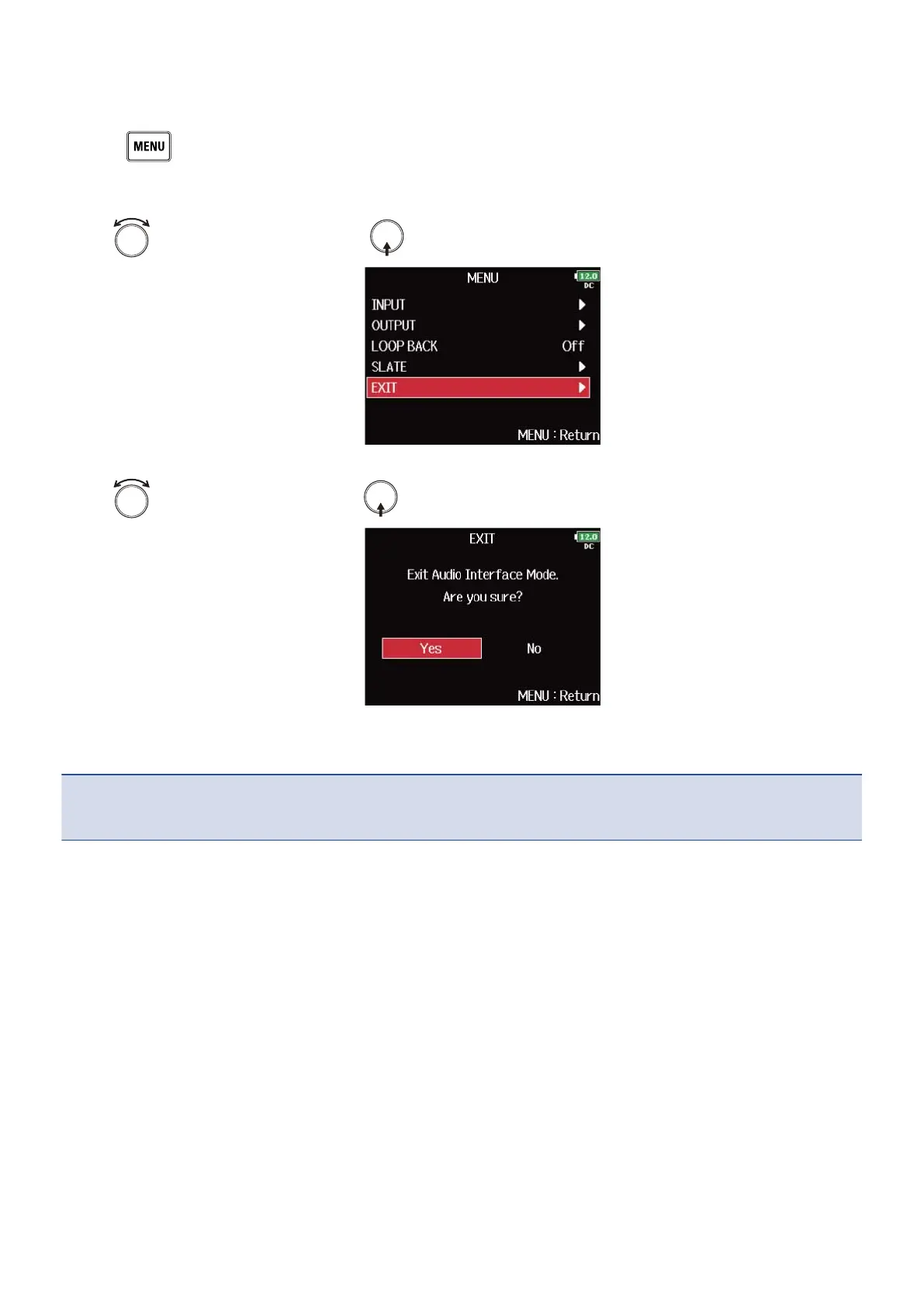
1. Press .
This opens the Menu Screen.
2. Use to select “EXIT”, and press .
3. Use to select “Yes”, and press .
4. Disconnect the cable from the computer or iOS/iPadOS device and the F8n Pro.
NOTE:
Always conduct the removal procedure in steps 1 to 3 before disconnecting the USB cable.
237



 To Next Page