Setting level meter appearance (Level Meter)
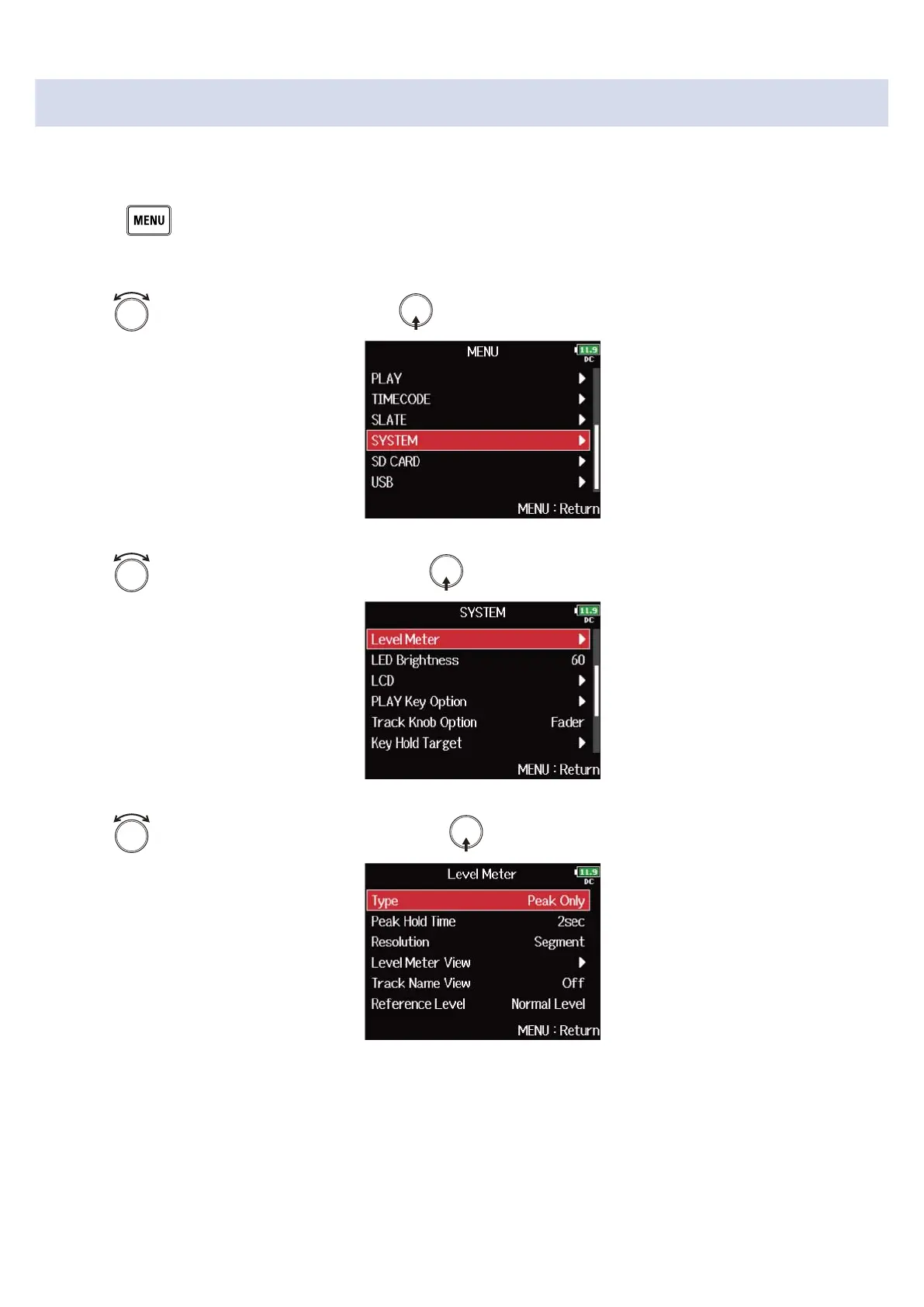
You can set how the level meters appear on the display.
1. Press .
This opens the Menu Screen.
2. Use to select “SYSTEM”, and press .
3. Use to select “Level Meter”, and press .
4. Use to select the setting item, and press .
264



 To Next Page