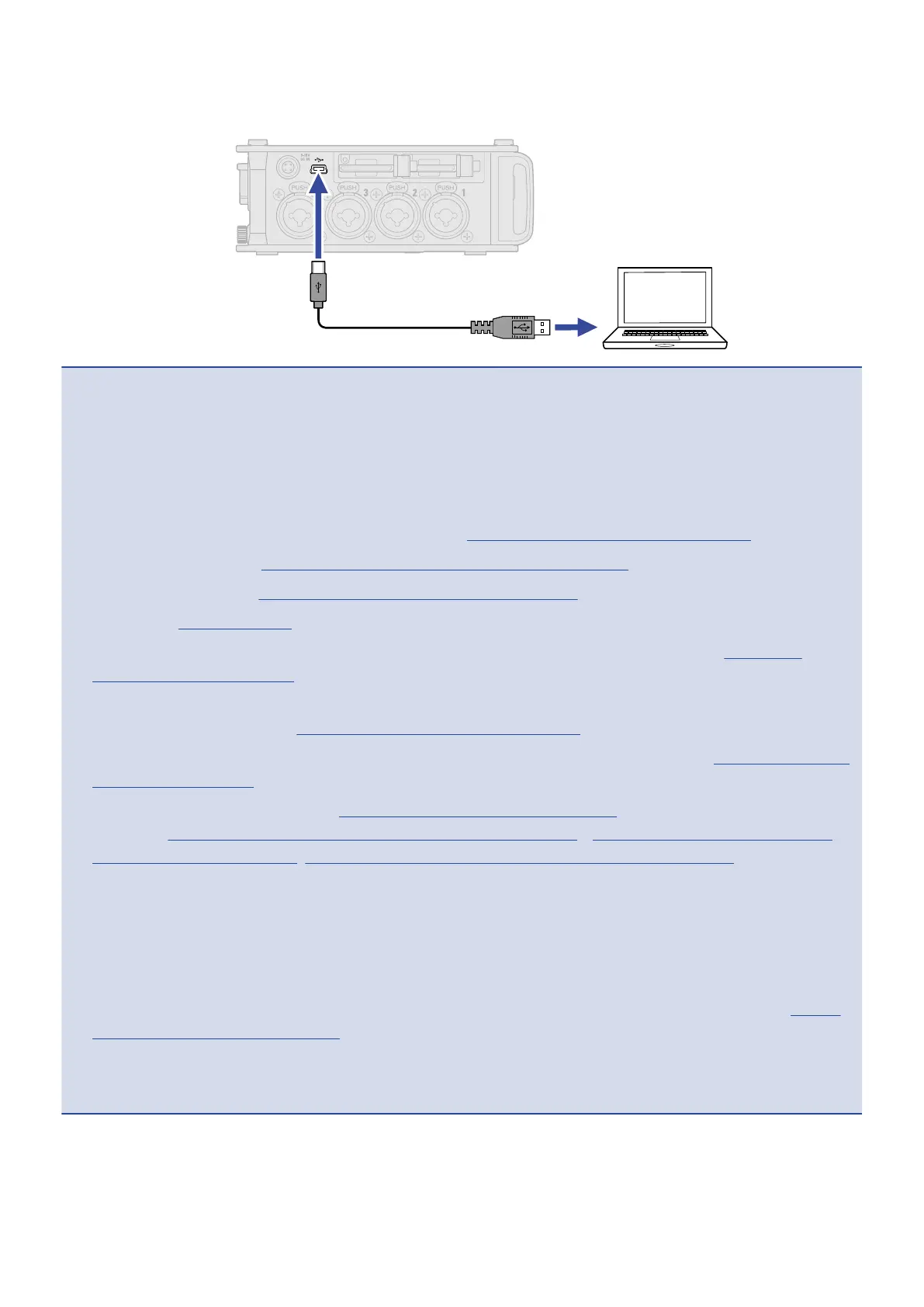
5. Use a USB cable to connect the F8n Pro and the computer.
NOTE:
• Use a USB cable that supports data transfer.
• The F8n Pro cannot operate on USB bus power. Use the internal batteries, the dedicated AC adapter or
an external DC power supply to power it.
• “Audio Interface with Rec” cannot be used with the following settings and functions.
- Sampling rate settings other than 44.1/48 kHz (→Setting the sampling rate (Sample Rate))
- “SD Card Reader” (→Exchanging data with a computer (SD Card Reader))
- “Audio Interface” (→Using as an audio interface (Audio Interface))
- FRC-8 (→Using the FRC-8)
• When “Audio Interface with Rec” is set to “On”, the sampling rate cannot be changed. (→Setting the
sampling rate (Sample Rate))
• When “Audio Interface with Rec” is set to “On”, files with sampling rates that differ from the F8n Pro
setting cannot be played. (→Setting the sampling rate (Sample Rate))
• When “Audio Interface with Rec” is set to “On”, “WAV Bit Depth” cannot be changed. (→Setting WAV file bit
depth (WAV Bit Depth))
• Set the input source to USB1–4 (→Setting the input source (Input Source)) or set USB1–4 to the output
routing (→Setting signals sent to headphones (Headphone Routing)
、
Selecting signals sent to the main
outputs (MAIN OUT Routing), Selecting signals sent to the sub outputs (SUB OUT Routing)) to monitor
sound played back from the computer.
• When “Audio Interface with Rec” is set to “On”, the F8n Pro latency will increase 2 ms. When monitoring
sounds being recorded with a mic in real-time, increased latency can cause interference between sound
transmitted through the air from the source and the delayed monitored sound, possibly making accurate
monitoring of the sounds difficult.
• The operation mode for audio interface is changed depending on the “WAV Bit Depth” setting. (→Setting
WAV file bit depth (WAV Bit Depth) )
- “16-bit Linear”/“24-bit-Linear”: The bit depth during use as an audio interface is set to 24-bit Linear.
- “32-bit Float”: The bit depth during use as an audio interface is set to 32-bit Float.
239



 To Next Page