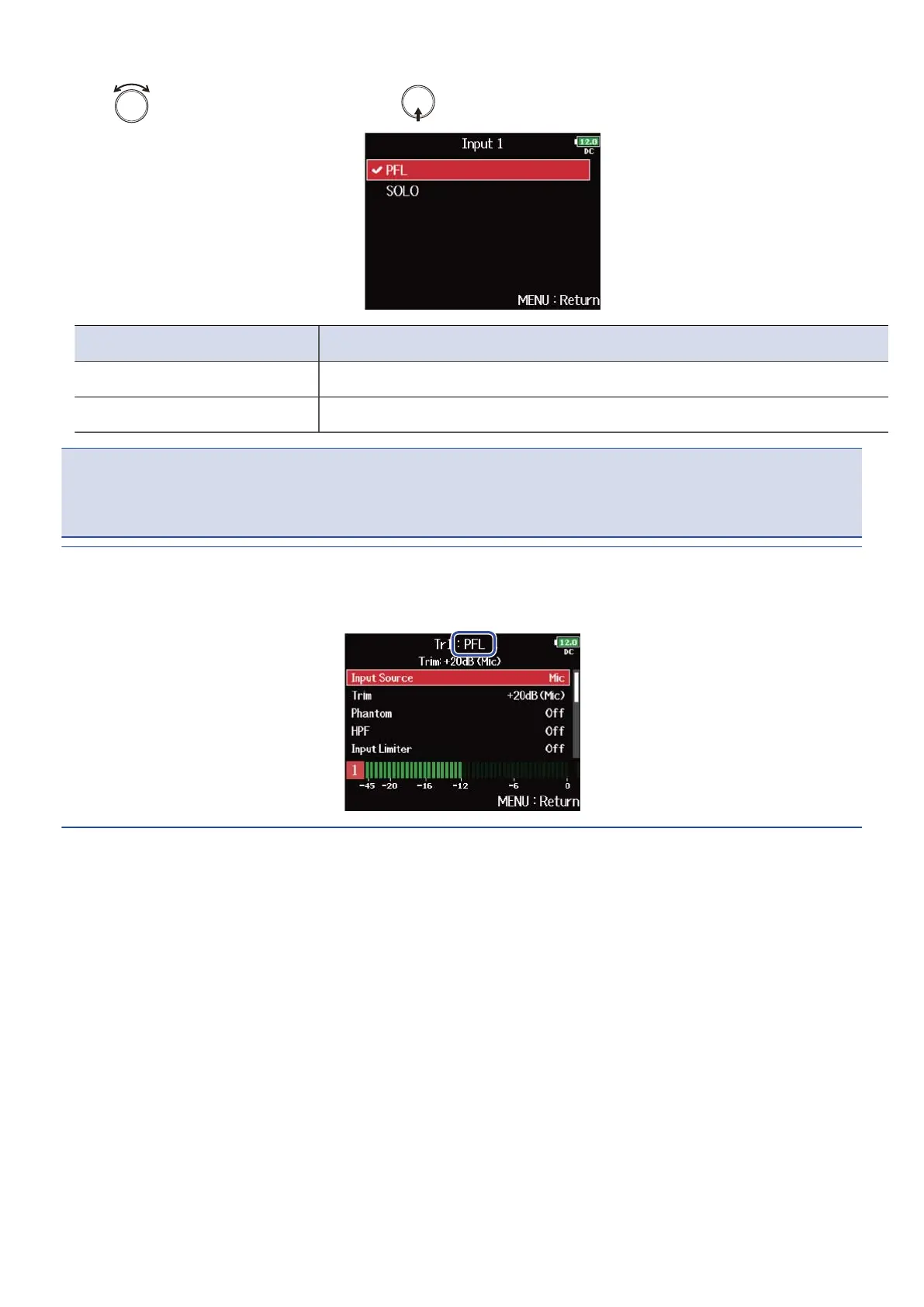
5. Use to select the mode, and press .
Setting Explanation
PFL Monitor the prefader sound.
SOLO Monitor the postfader sound.
NOTE:
When the PFL Screen is open during playback, the monitoring sound will be post-fader (SOLO) regardless of
the setting.
HINT:
The selected mode is displayed on the upper part of the PFL Screen.
54



 To Next Page