Making audio interface settings
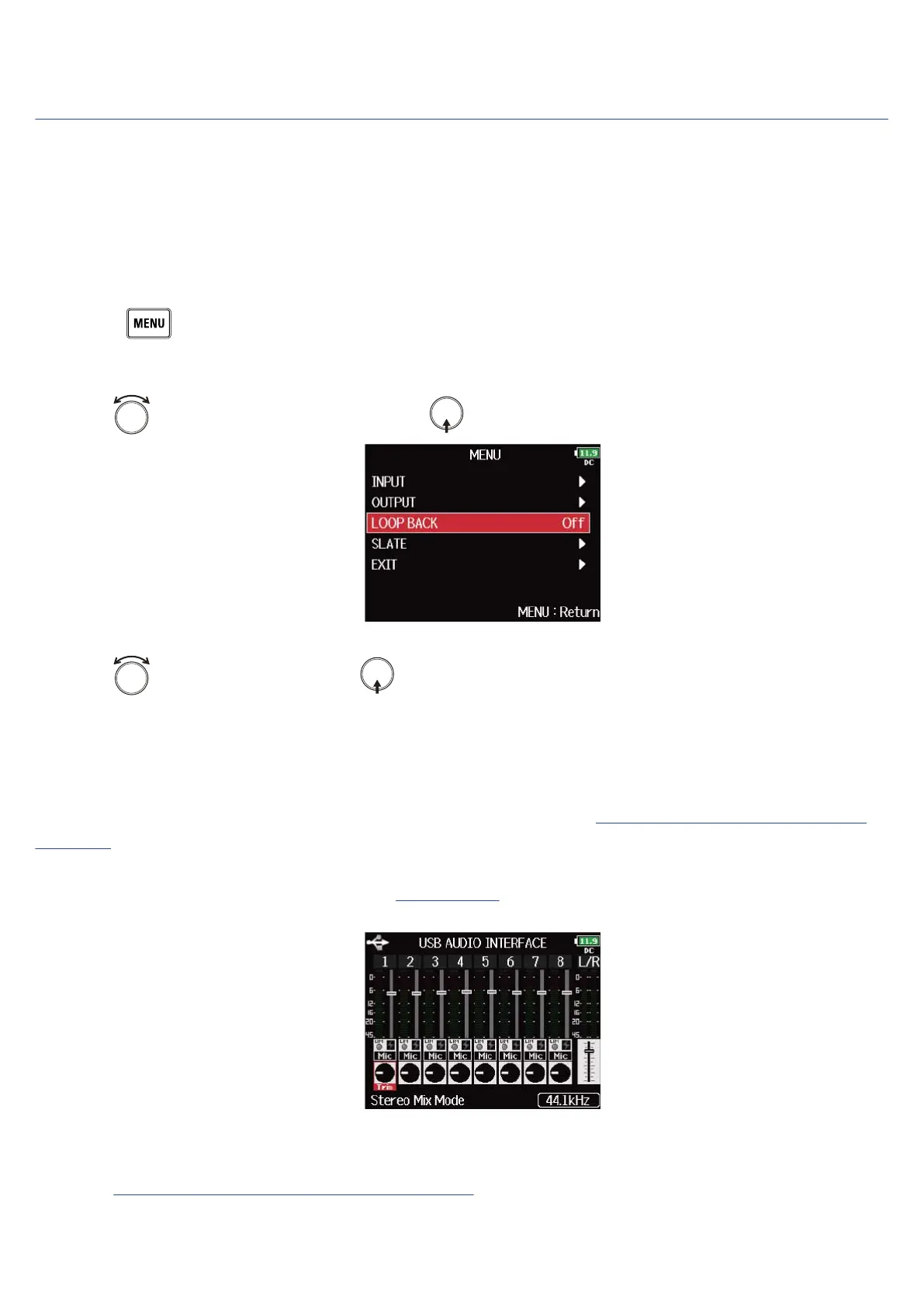
■ Setting loop back (Stereo Mix only)
This function allows the playback sound from the computer or iOS/iPadOS device and the F8n Pro inputs to
be mixed and sent back to the computer or iOS/iPadOS device (loop back).
You can use this function to add narration to music played back from the computer and record the mix or
stream it from the computer, for example.
1. Press .
This opens the Menu Screen.
2. Use to select “LOOP BACK”, and press .
3. Use to select “On”, and press .
■ Mixing inputs
You can adjust the mix balance of input signals sent to the computer or iOS/iPadOS device. When “Audio
Interface” is set to “Stereo Mix”, the mixed stereo signal will be sent. (→Using as an audio interface (Audio
Interface))
1. Open the mixer on the Home Screen. (→Mixer Screen)
2. Adjust the parameter settings.
See “Adjusting the input signal monitoring balance” for how to change settings.
243



 To Next Page