Setting how recorded scenes are named and numbered
You can set how scenes are named (name mode), the base scene name and how scene numbers advance.
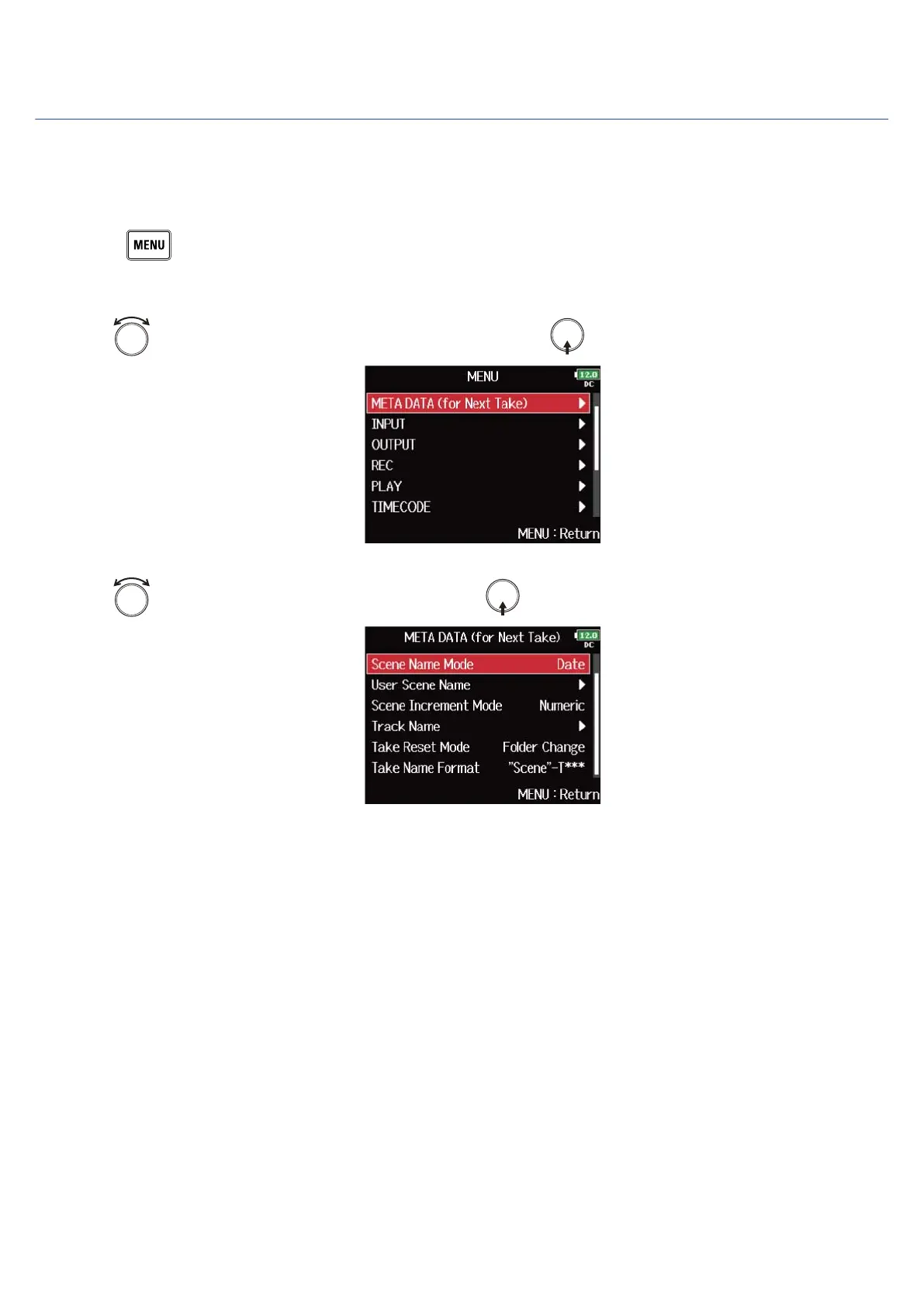
■ Setting how scenes are named (mode)
1. Press .
This opens the Menu Screen.
2. Use to select “META DATA (for Next Take)”, and press .
3. Use to select “Scene Name Mode”, and press .
164



 To Next Page