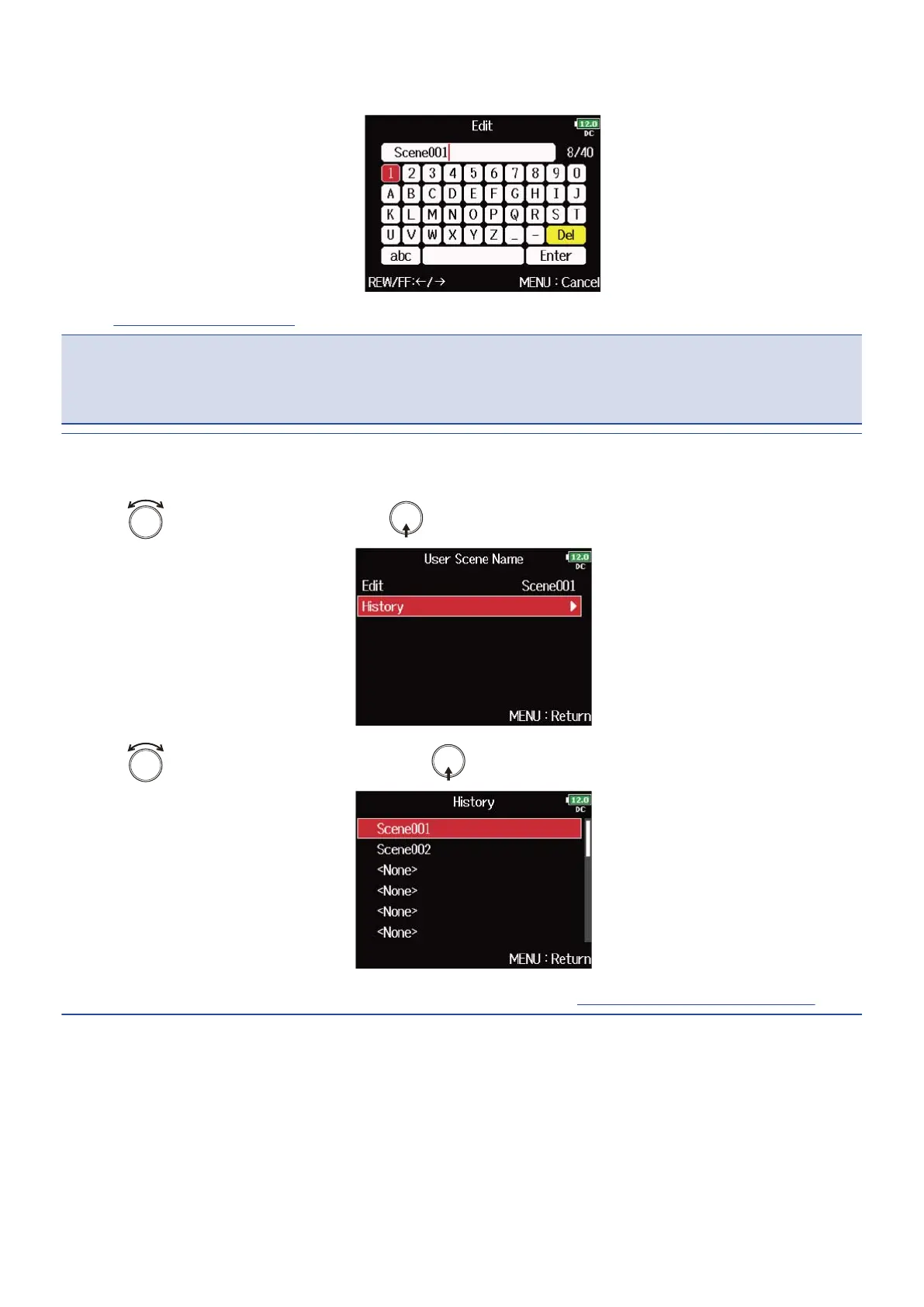
5. Edit the scene name.
See “Character input screen” for how to input characters.
NOTE:
The scene name is written to the <SCENE> metadata.
You cannot put a space or an @ mark at the beginning of the name.
HINT:
You can select a scene name from the history list.
1. Use to select “History” , and press in step 4.
2. Use to select the item to use , and press .
The history list will be erased if the “Factory Reset” function is used. (→Restoring factory default settings)
167



 To Next Page