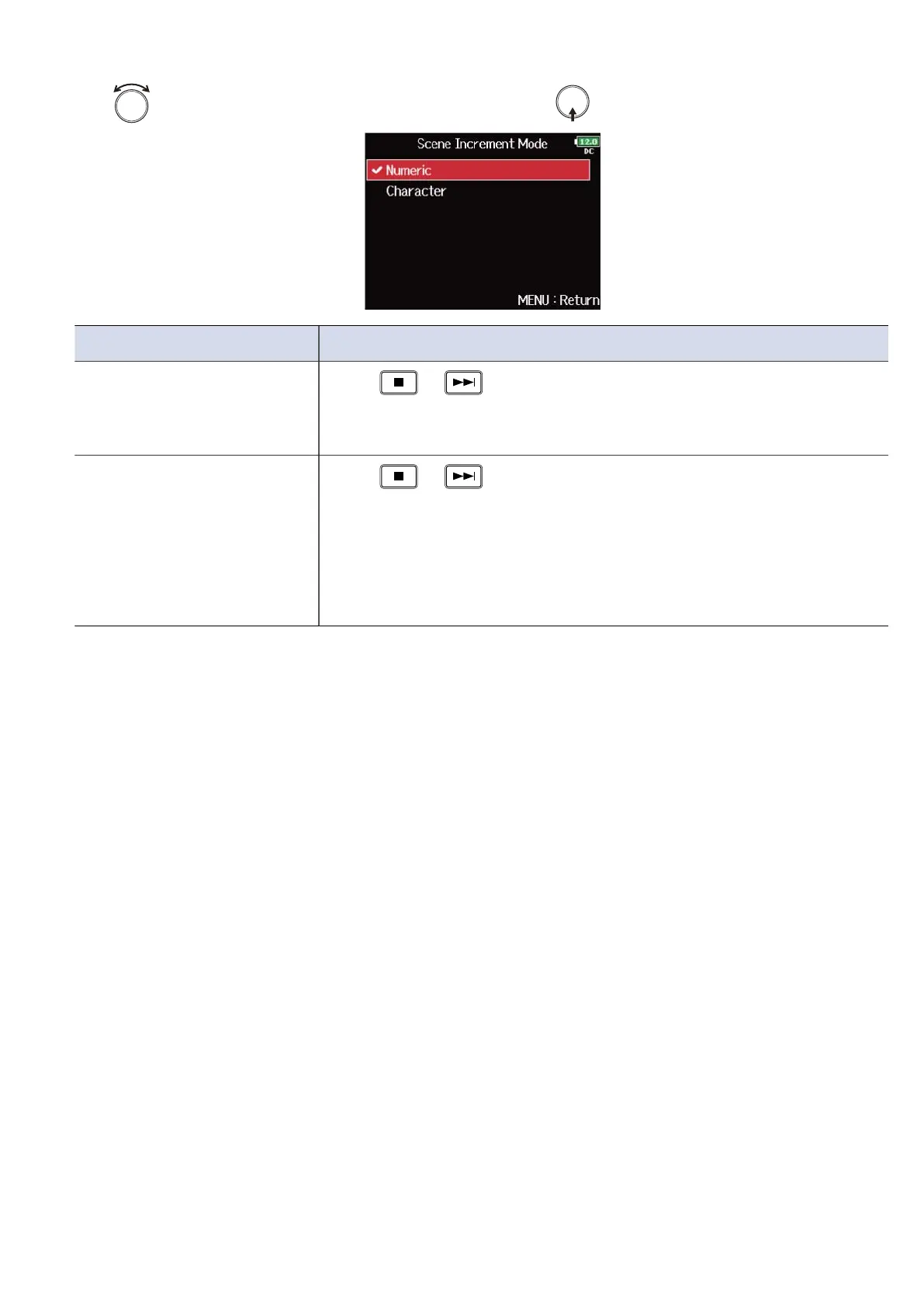
4. Use to select how scene numbers advance, and press .
Setting Explanation
Numeric
Press + on the Home Screen to increase the scene
number by one.
Example: Scene → Scene1 → Scene2 → … → Scene9999
Character
Press + on the Home Screen to advance the capital letter
at the end of the scene name by one.
If the scene name does not have a capital letter at its end, one will be
added.
Example: Scene1 → Scene1A → Scene1B → … → Scene1Z → Scene1AA
→ Scene1AB → …
169



 To Next Page