Changing the track name of the next take recorded (Track Name)
The track name set with the following procedure will be given to the next recorded track.
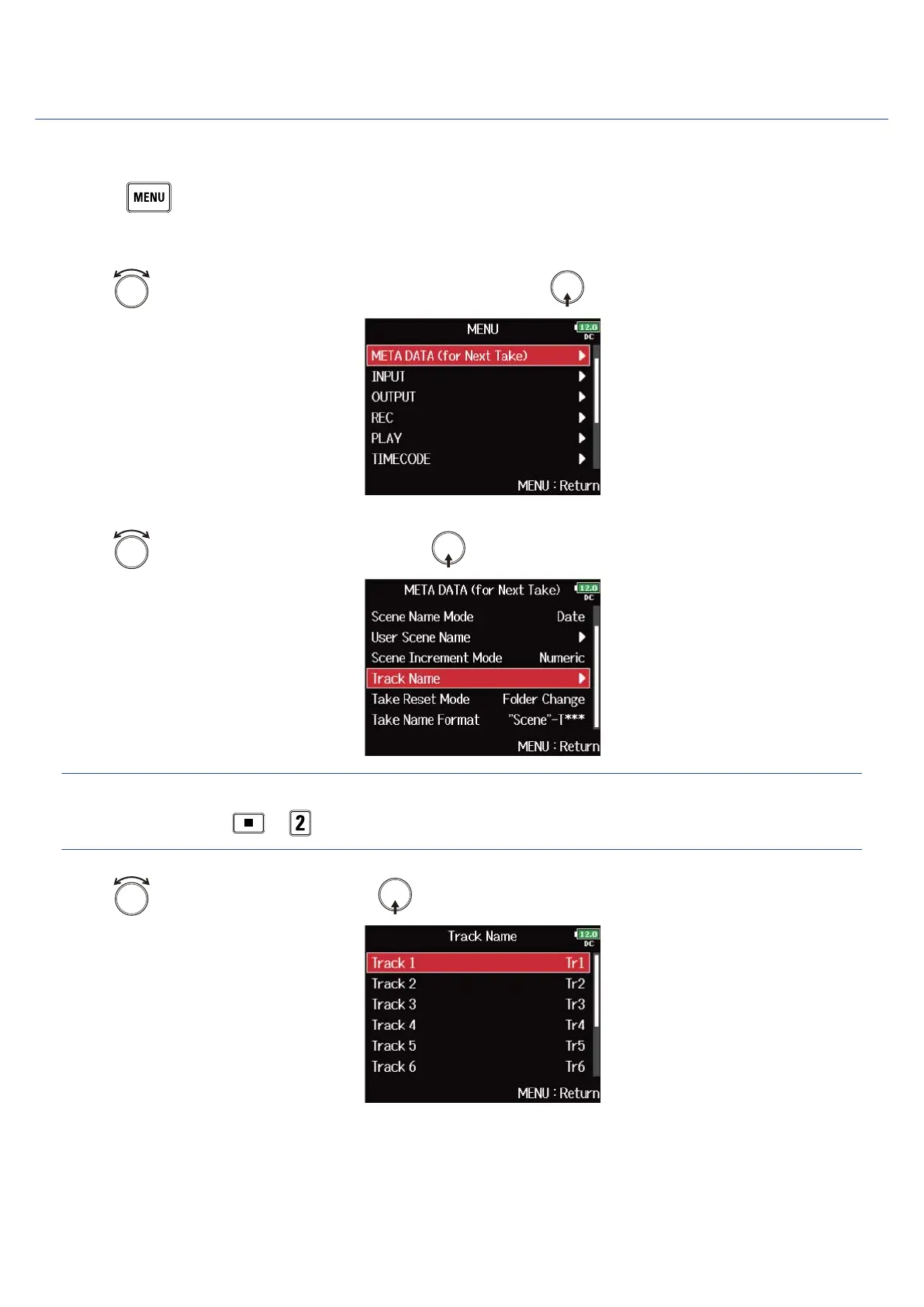
1. Press .
This opens the Menu Screen.
2. Use to select “META DATA (for Next Take)”, and press .
3. Use to select “Track Name”, and press .
HINT:
On the Home Screen, + can be used to open the “Track Name” screen.
4. Use to select a track, and press .
173



 To Next Page