Checking take marks and using them for playback
You can view a list of the marks in a recorded take.
1. Select the take that you want to view the list of the marks by referring “Selecting the SD card, folder or
take”.
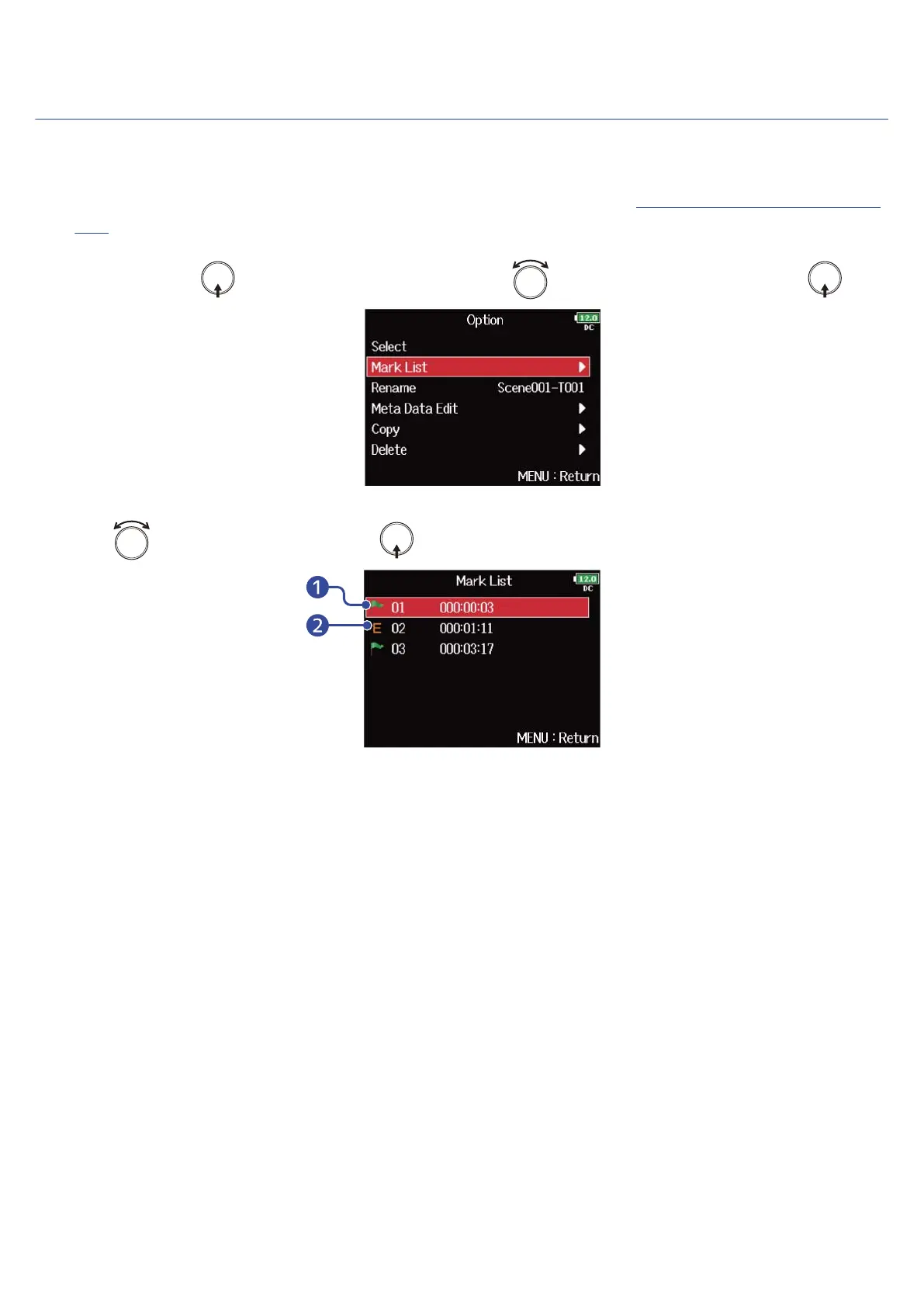
2. Press and hold to display the Option screen, use to select “Mark List”, and press .
3. Use to select a mark, and press .
❶
Added Mark
❷
Indicates that a mark was added during a recording error.
The Home Screen will reopen, and playback will start from the mark.
208



 To Next Page