Checking and editing notes
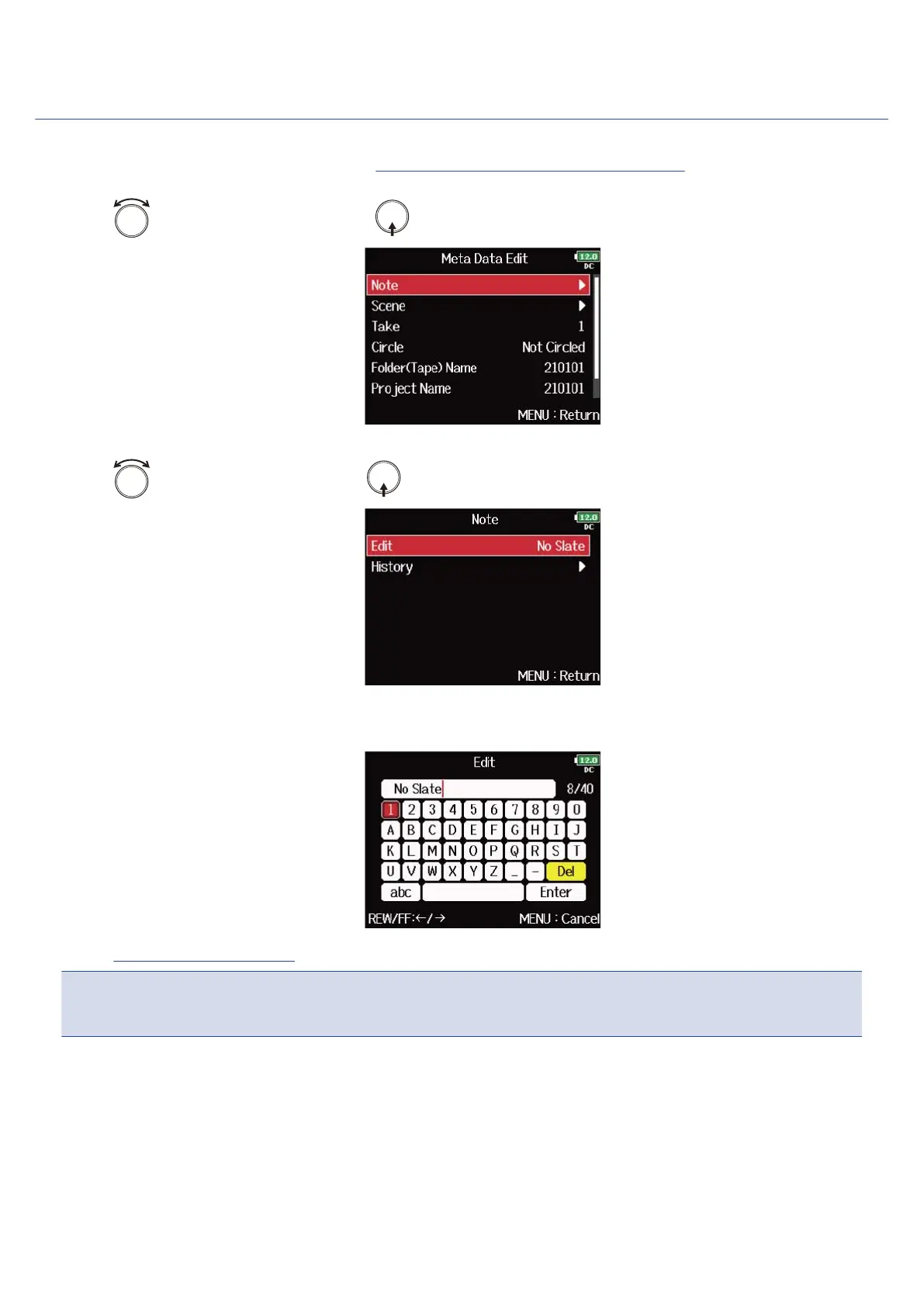
1. Open the metadata editing screen. (→Displaying the metadata editing screen)
2. Use to select “Note”, and press .
3. Use to select “Edit”, and press .
4. Edit the note.
See “Character input screen” for how to input characters.
NOTE:
The content of this note is written to the <NOTE> metadata.
217



 To Next Page