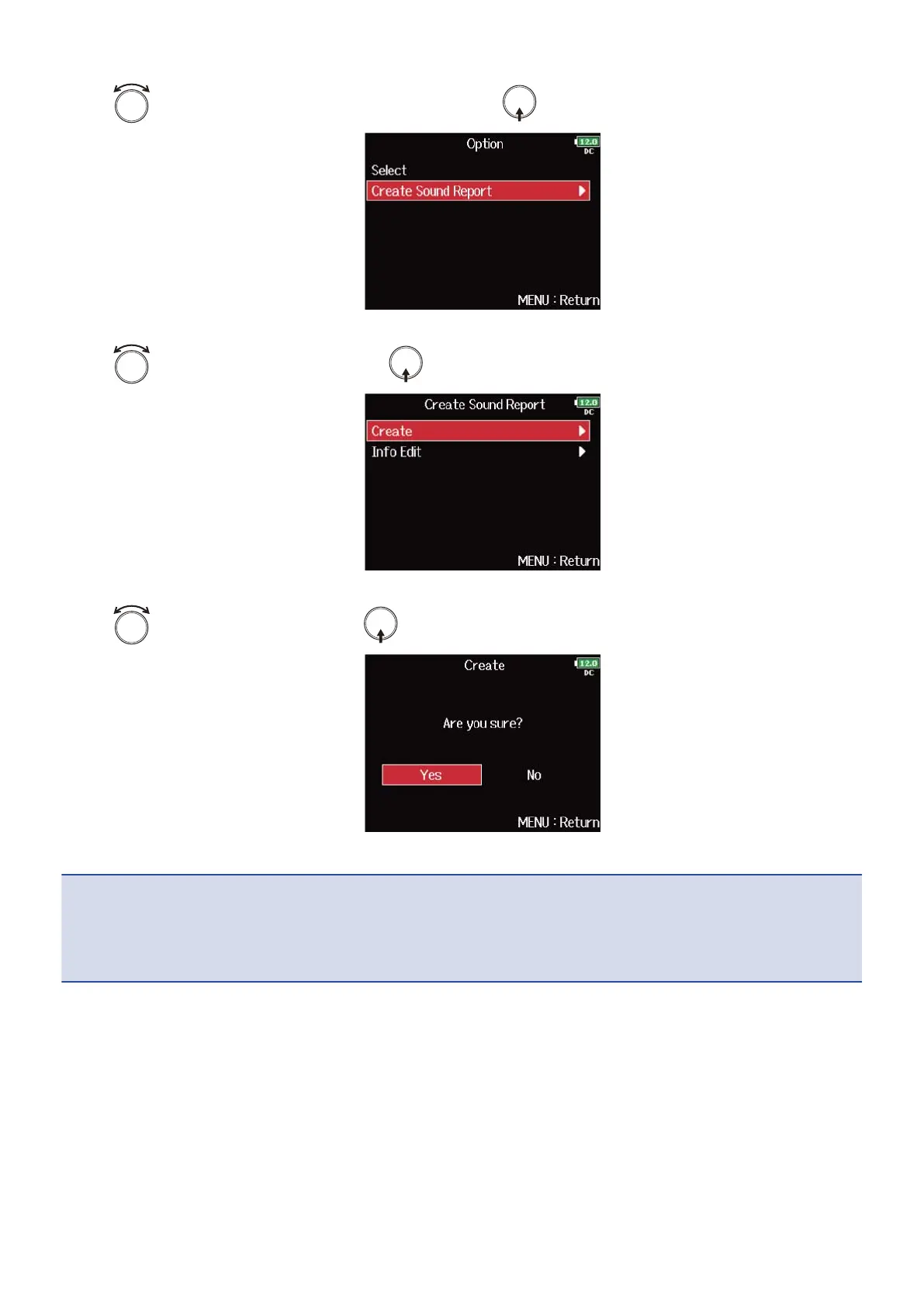
4. Use to select “Create Sound Report”, and press .
5. Use to select “Create”, and press .
6. Use to select “Yes”, and press .
This writes the sound report inside the selected SD card or folder.
NOTE:
• Only information about takes in the folder or SD card is written in the sound report.
• If a sound report file with the same name already exists, it will be overwritten. Please use caution.
228



 To Next Page