Setting Explanation
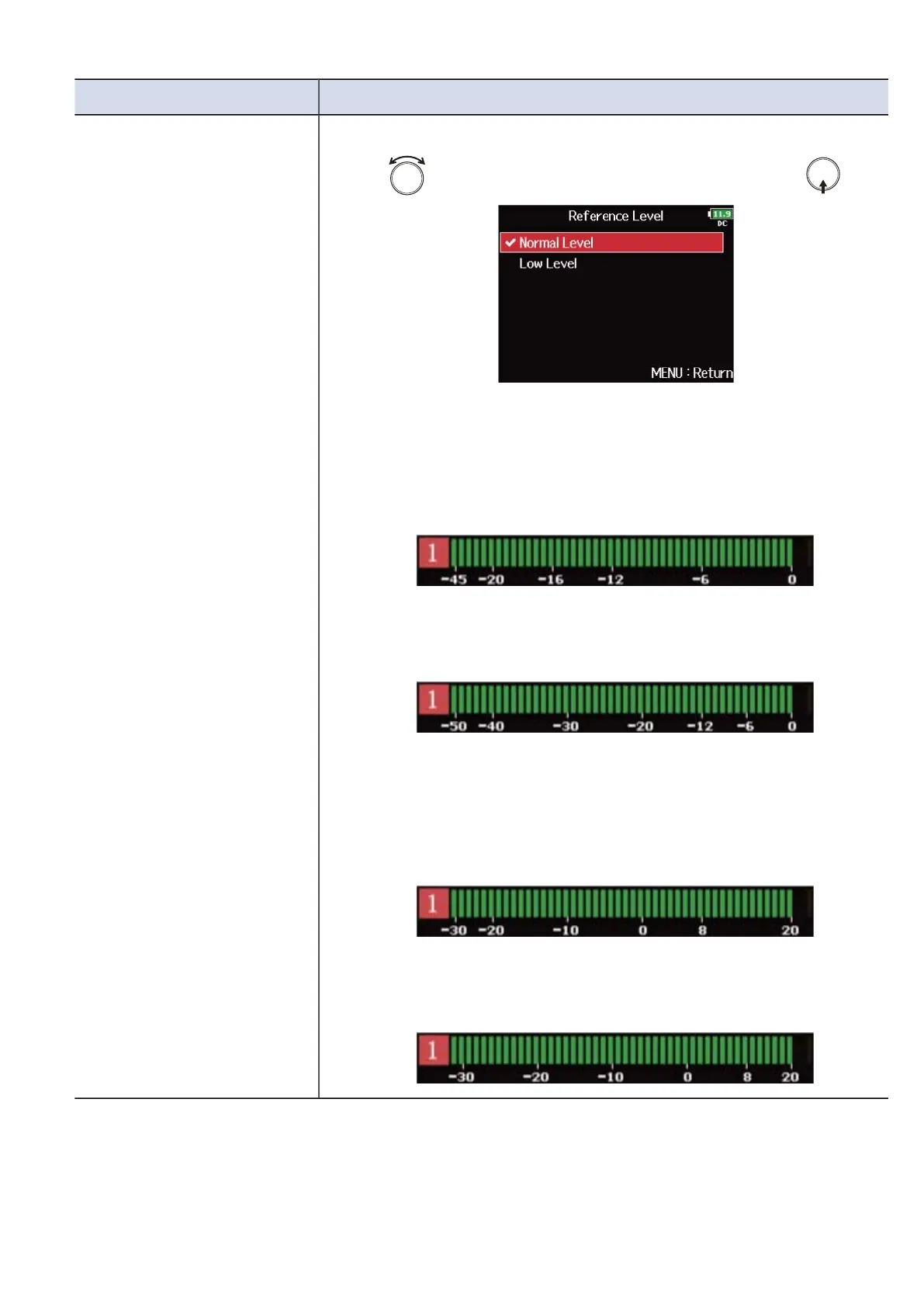
Reference Level You can set the level meter reference.
1. Use to select the reference level setting, and press .
■ When level meter type is “Peak Only”
• Normal Level: The center of the level meter is -12 dBFS. Clear
monitoring of levels higher than -12 dBFS is possible.
• Low Level: The center of the level meter is -20 dBFS. Clear
monitoring of levels lower than -20 dBFS is possible.
■ When level meter type is “Peak + VU” or “VU Only”
• Normal Level: The center of the level meter is 0 VU (-20 dBFS).
Clear monitoring of levels higher than 0 VU (-20 dBFS) is possible.
• Low Level: The center of the level meter is -10 VU (-30 dBFS). Clear
monitoring of levels lower than -10 VU (-30 dBFS) is possible.
269



 To Next Page