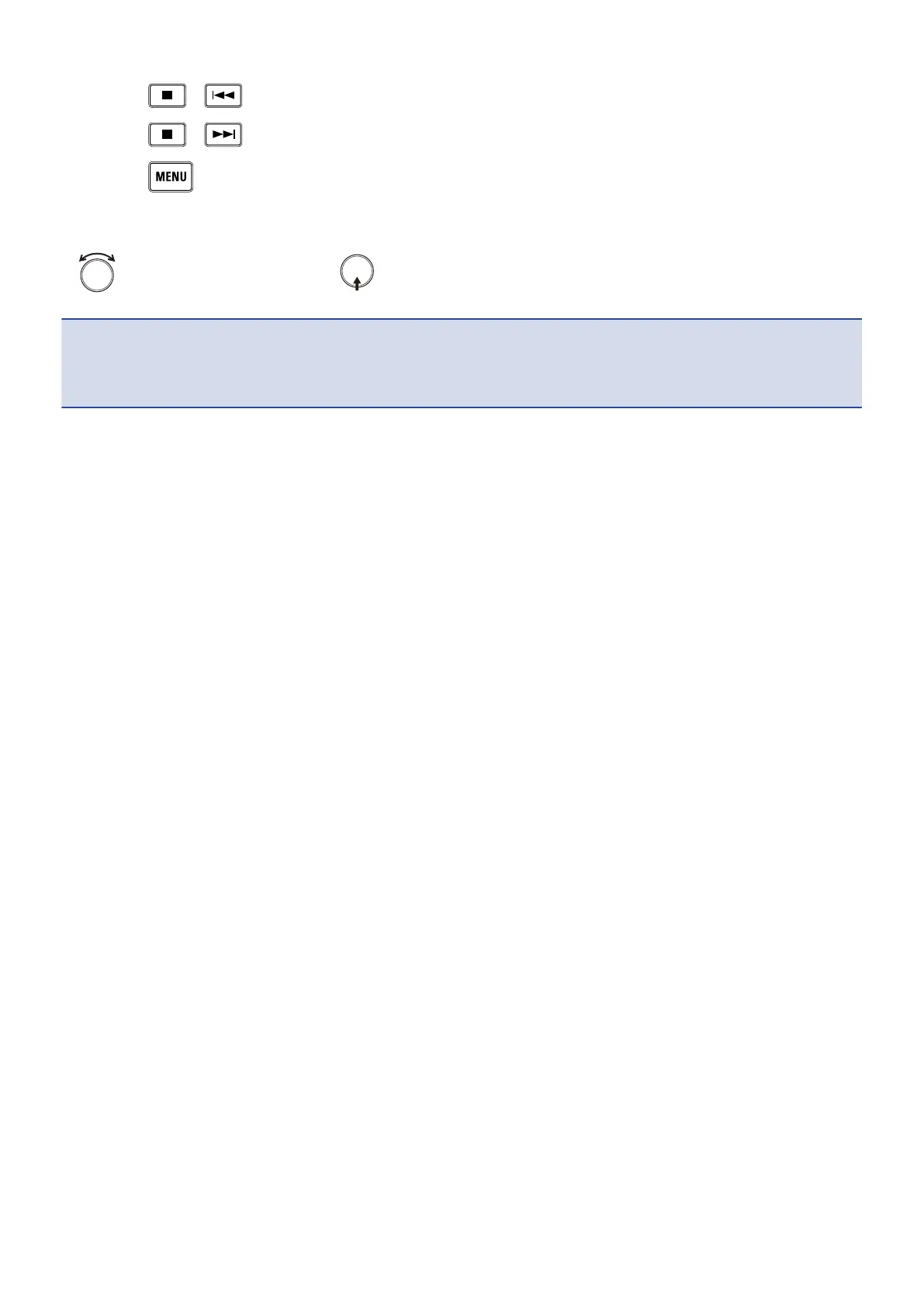
• Press + : Deletes the previous character.
• Press + : Moves the cursor to “Enter”.
• Press : Cancels editing and returns to the previous screen.
2. Repeat the procedure in step 1 to input characters. When you have finished inputting characters, use
to select “Enter” and press .
NOTE:
The characters and symbols that can be used are as follows.
! # $ ' ( ) + , - ; = @ [ ] ^ _ ` { } ~ (space) A-Z, a-z, 0-9
27



 To Next Page