Setting Explanation
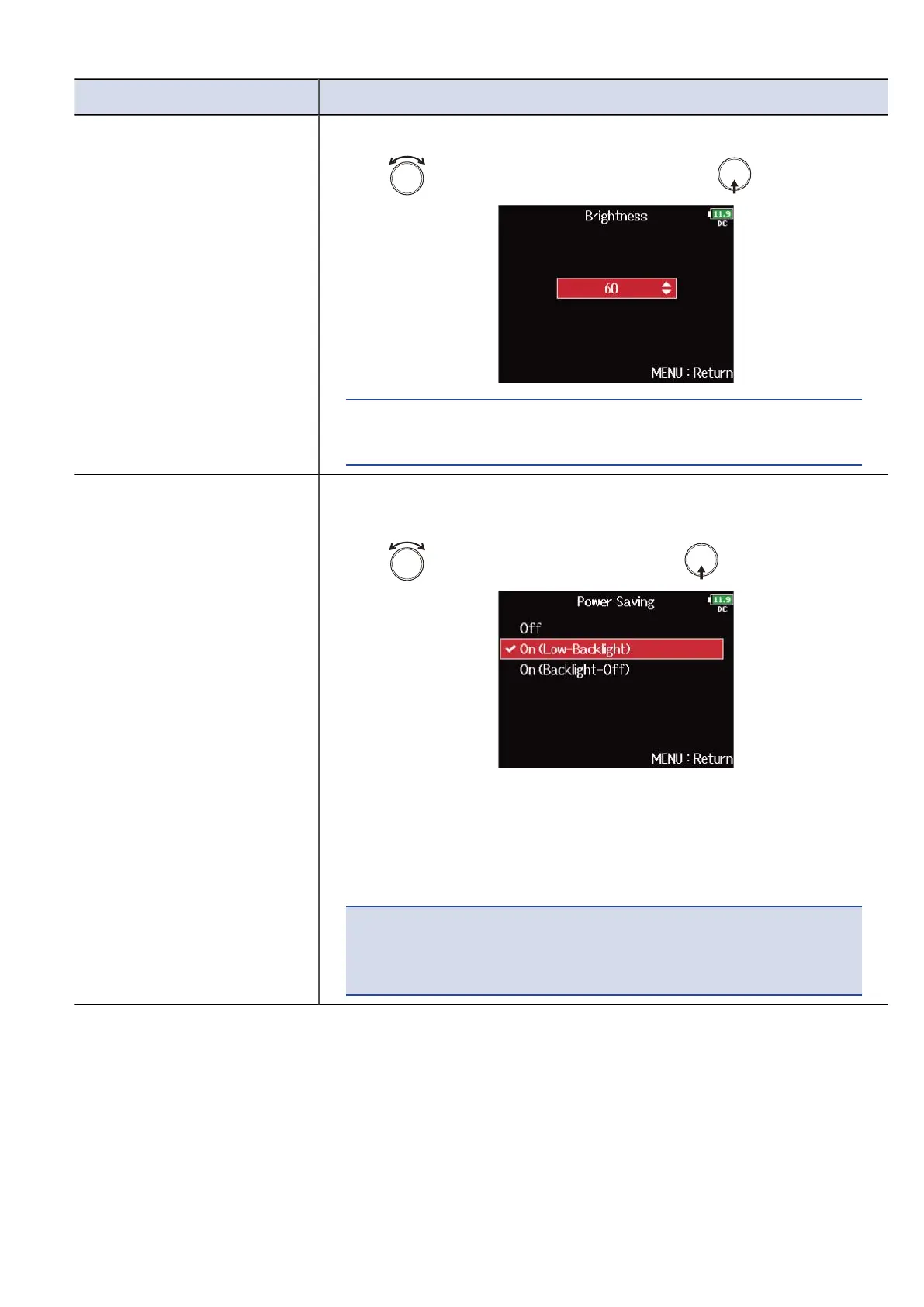
Brightness You can adjust the display brightness.
1. Use to adjust the brightness, and press .
HINT:
This can be set from 5 to 100.
Power Saving You can set the display backlight for power saving to dim after 30
seconds without use.
1. Use to select the setting, and press .
• Off: The backlight brightness does not change even after time
passes without use.
• On (Low-Backlight): The backlight dims after time without use.
• On (Backlight-Off): The backlight turns off after time without use.
NOTE:
This function is available only when the F8n Pro works with the
internal batteries or external DC power supply.
272



 To Next Page