Setting Explanation
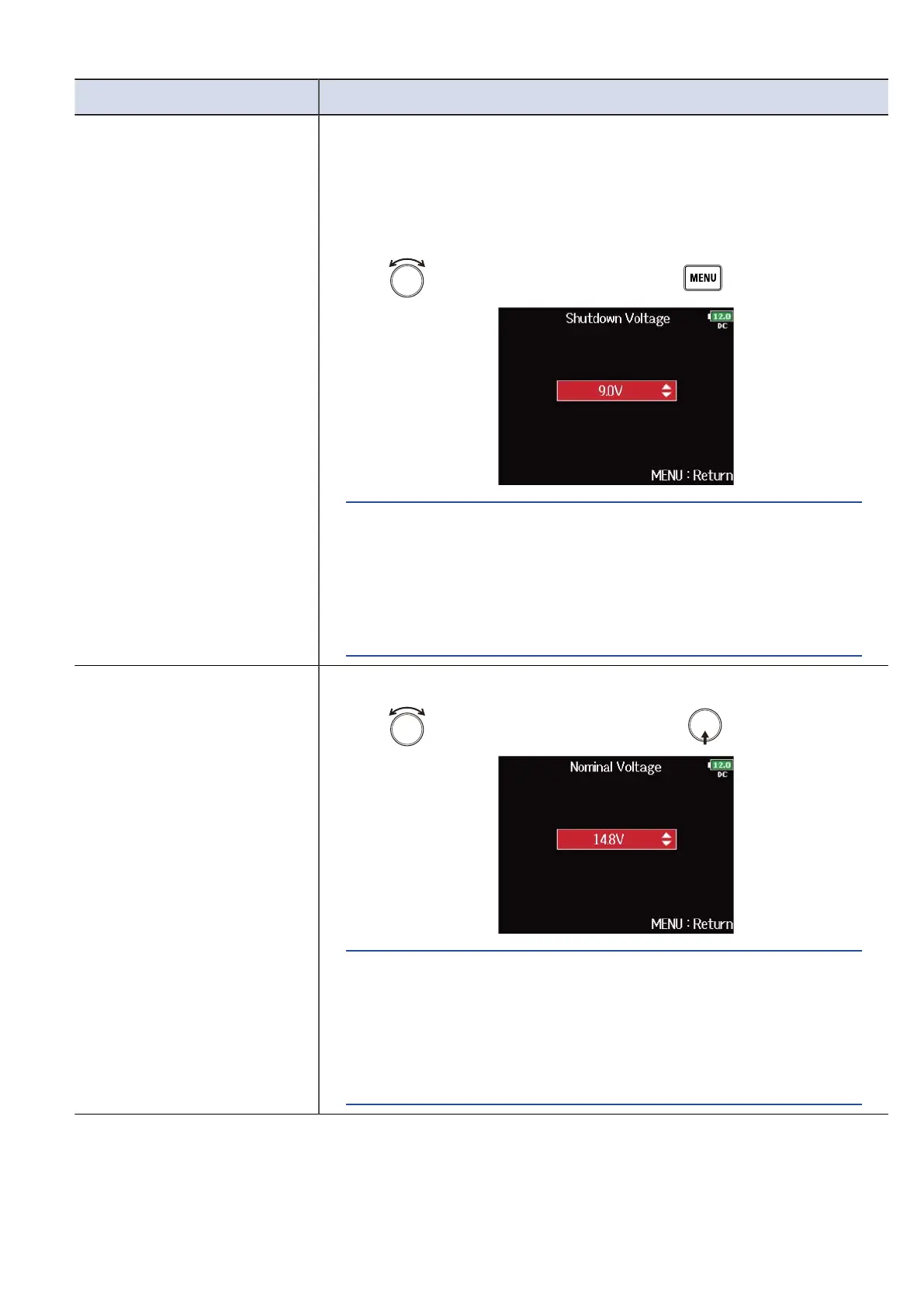
Shutdown Voltage You can set the external DC power supply (EXT DC) shutdown voltage.
When an external DC power supply is being used, if the voltage
drops below the value set here, the F8n Pro will automatically stop
recording and turn off. If AA batteries (Int AA) are installed, however,
the power supply will switch to Int AA and operation will continue.
1. Use to select the voltage, and press .
HINT:
• The shutdown voltage is the voltage when the external DC power
supply runs out and can no longer supply power.
• See the manual for the external DC power supply for the
shutdown voltage value.
Nominal Voltage You can set DC power supply (Ext DC) nominal voltage.
1. Use to select the voltage, and press .
HINT:
• The nominal voltage is the voltage of the external DC power
supply under normal conditions. This value should be indicated
on the outside of the external DC power supply.
• This can be set from 12.0 to 15.0 V in 0.2 V intervals.
284



 To Next Page