Loading
You can load a backup file that is saved in the “F8n Pro_SETTINGS” folder in the root directory of the SD
card.
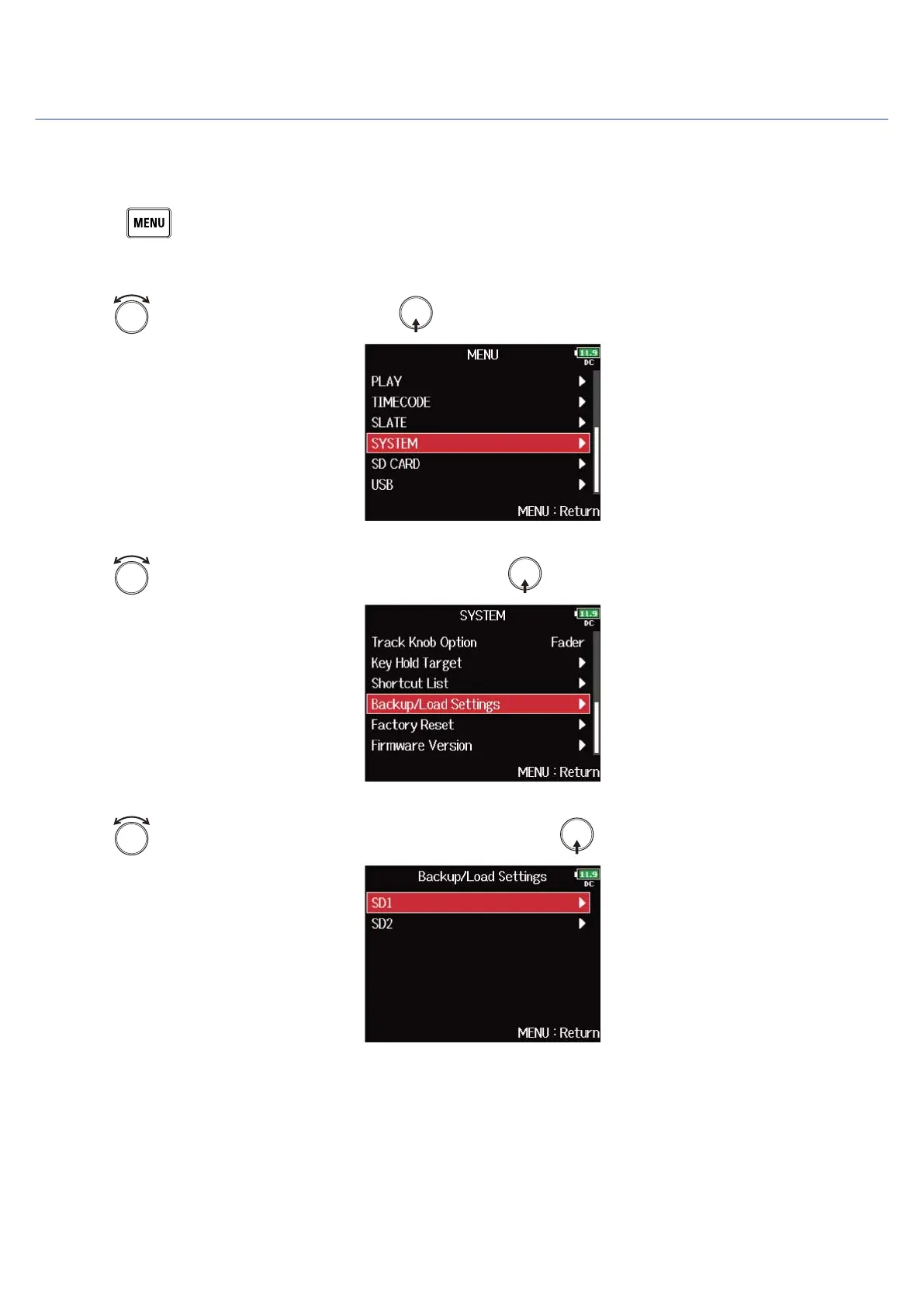
1. Press .
This opens the Menu Screen.
2. Use to select “SYSTEM”, and press .
3. Use to select “Backup/Load Settings”, and press .
4. Use to select the SD card to use for loading, and press .
288



 To Next Page