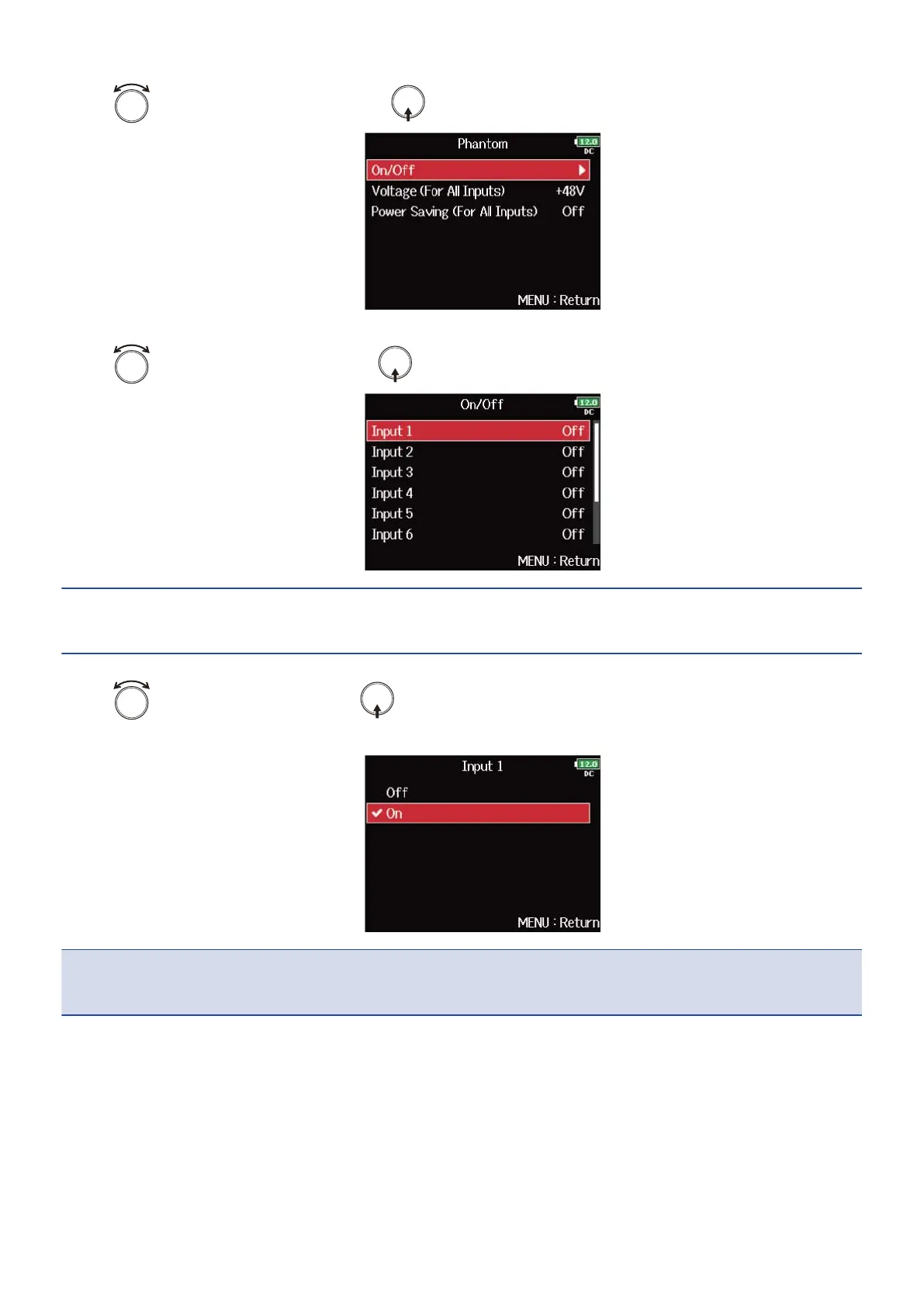
4. Use to select “On/Off”, and press .
5. Use to select a track, and press .
HINT:
Select “All” to set all the tracks at the same time.
6. Use to select “On”, and press .
Phantom power of the track selected in step 5 turns on.
NOTE:
When a mic capsule is connected, phantom power is set to “Off” for inputs 1/2.
69



 To Next Page