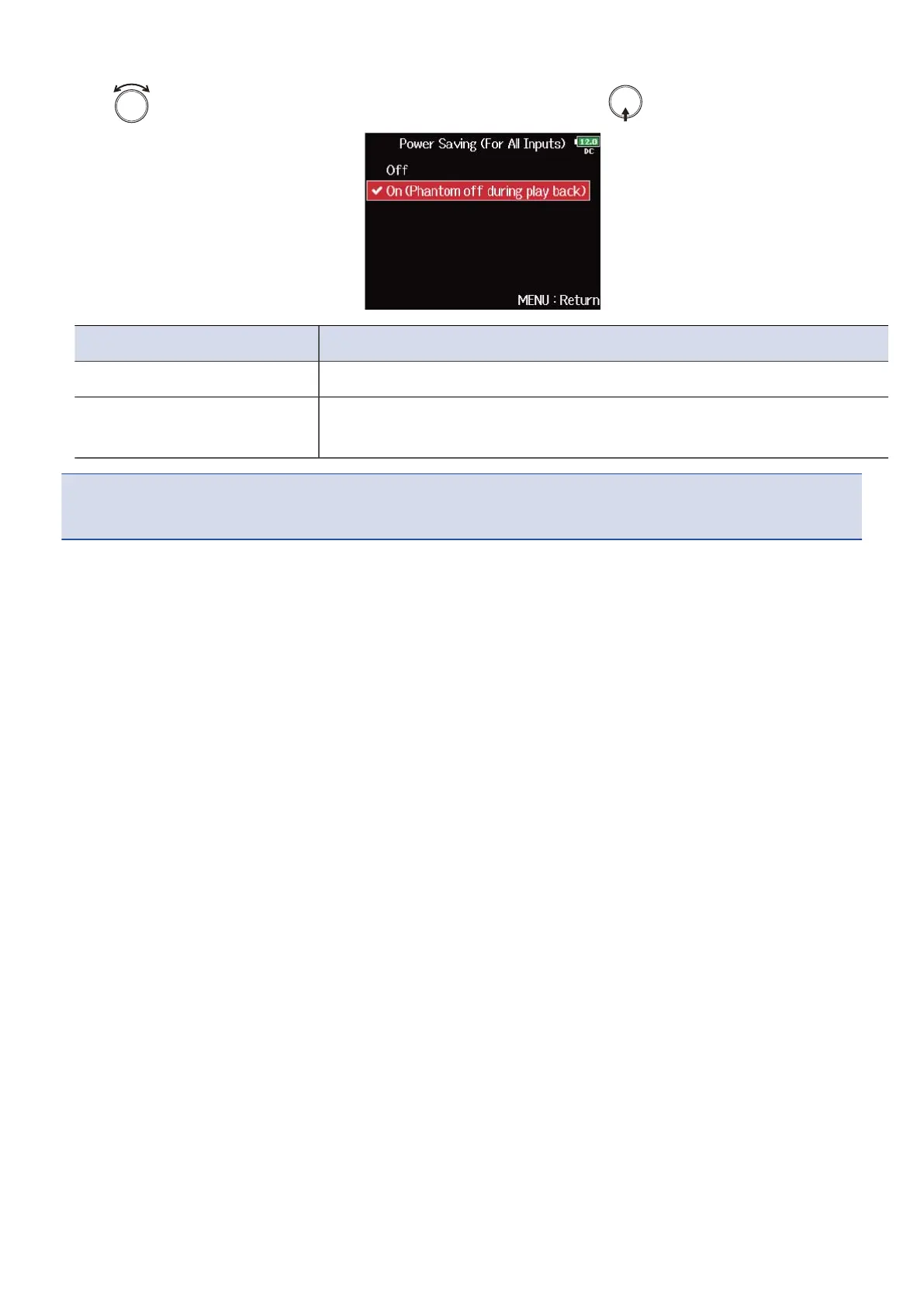
5. Use to select “On (Phantom off during play back)”, and press .
Setting Explanation
Off Phantom power is supplied even during playback.
On (Phantom off during play
back)
Phantom power is not supplied during playback.
This can reduce the F8n Pro power consumption.
NOTE:
This setting is applied for all tracks.
73



 To Next Page