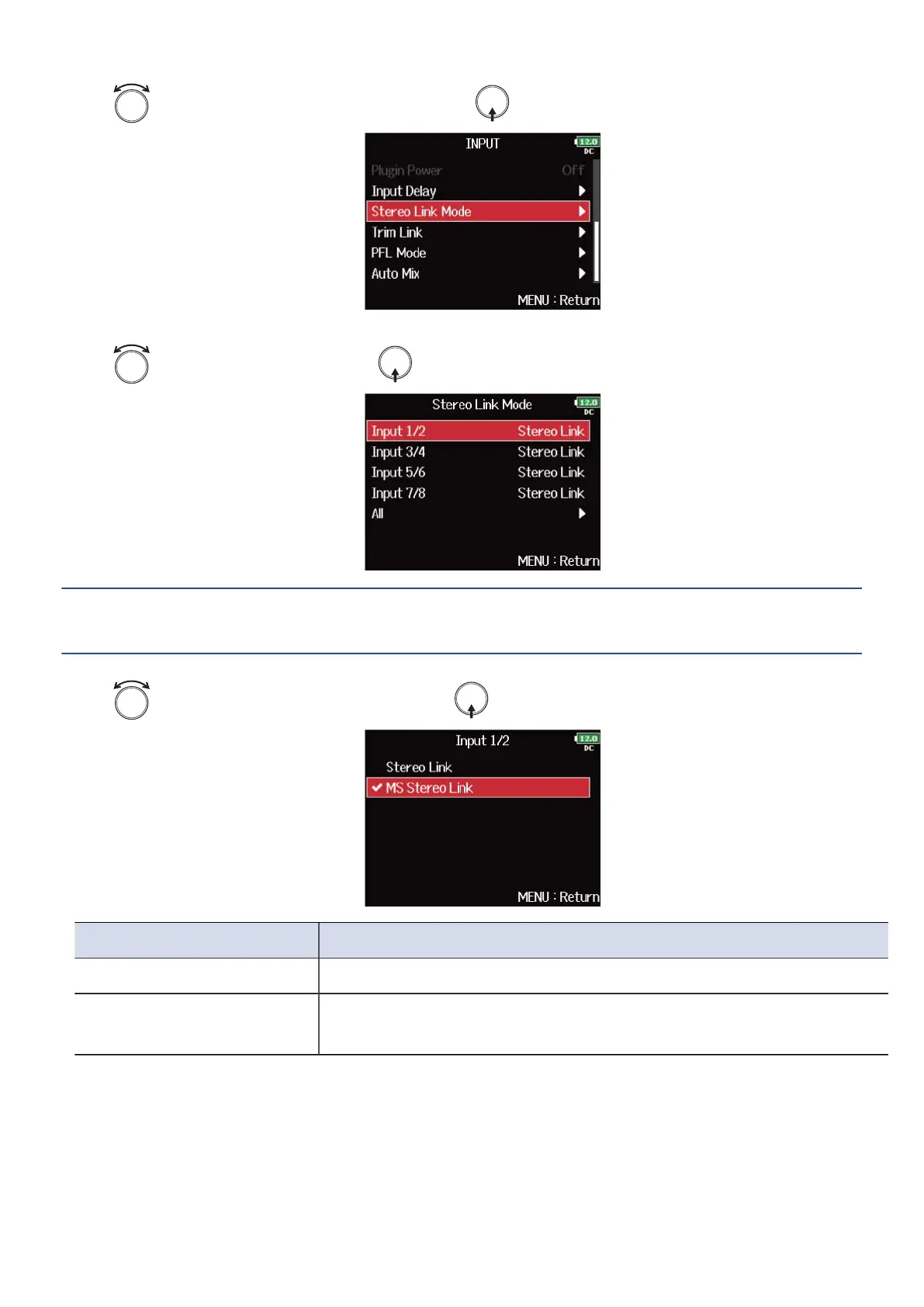
3. Use to select “Stereo Link Mode”, and press .
4. Use to select a track, and press .
HINT:
Select “All” to set all the tracks at the same time.
5. Use to select “MS Stereo Link”, and press .
Setting Explanation
Stereo Link When stereo-linked, inputs are handled normally.
MS Stereo Link When stereo-linked, signals from a mid-side mic are converted to
ordinary stereo.
78



 To Next Page