HINT:
Select “All” to set all the tracks at the same time.
5. Use to select “On”, and press .
NOTE:
• The following functions and settings cannot be used with this function.
- The sampling rate cannot be set to 192 kHz. (→Setting the sampling rate (Sample Rate))
- The “Ambisonic Mode” format cannot be set to any value other than “Off”. (→Setting the format of
Ambisonic Mode)
• When the sampling rate is set to 44.1–48.048 kHz and “Auto Mix” is set to “On”, the latency will increase
2 ms. When monitoring sounds being recorded with a mic in real-time, increased latency can cause
interference between sound transmitted through the air from the source and the delayed monitored
sound, possibly making accurate monitoring of the sounds difficult. (→Setting the sampling rate (Sample
Rate))
HINT:
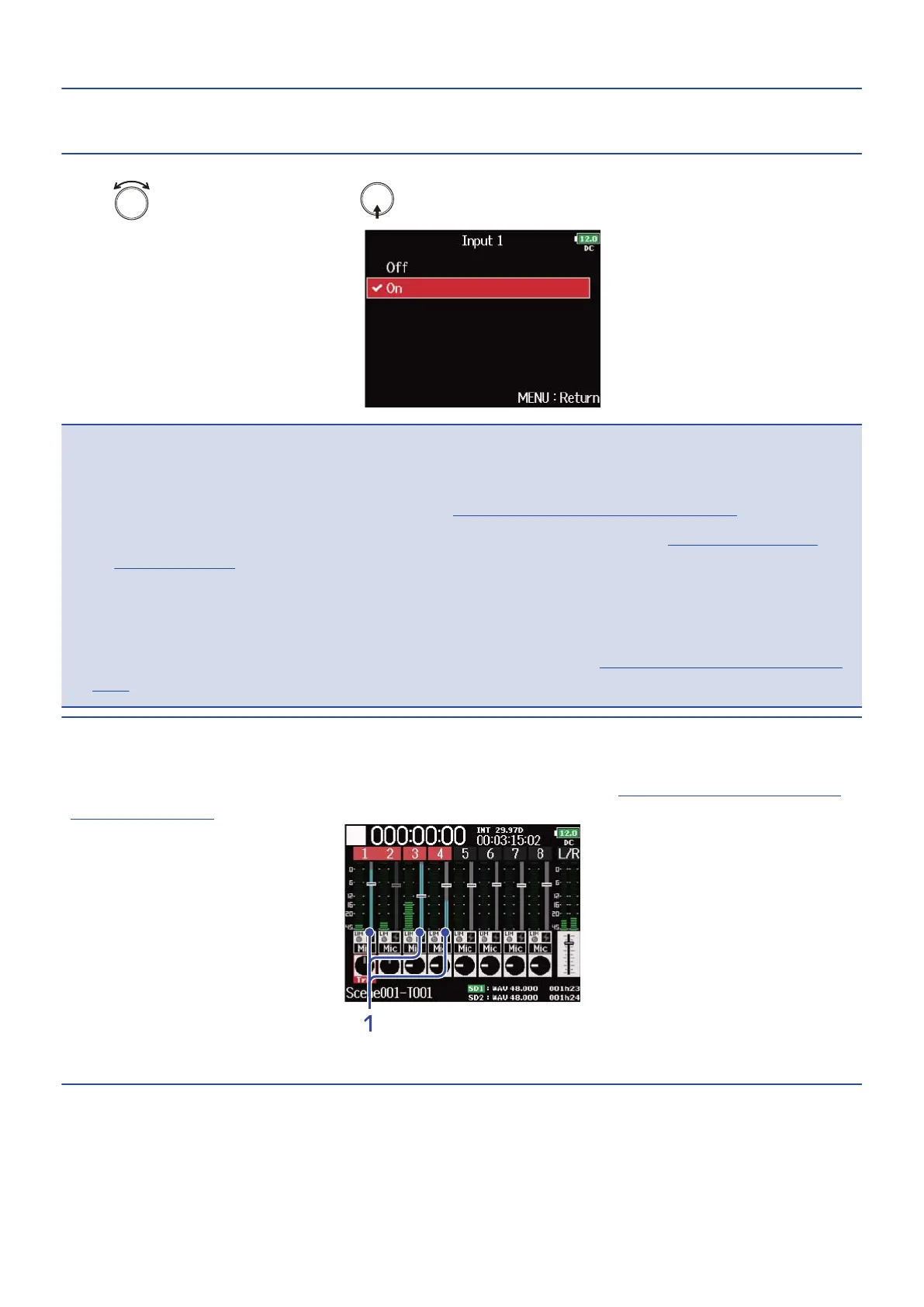
When “Track Knob Option” is set to “Fader”, meters that show the amount of attenuation due appears on the
fader area of the track that “Auto Mix“ is set to “On” on the Home Screen. (→Setting the track knob function
(Track Knob Option))
1. Meters that show the amount of attenuation due to “Auto Mix”
84



 To Next Page