H7016 User Manual
2-6
`
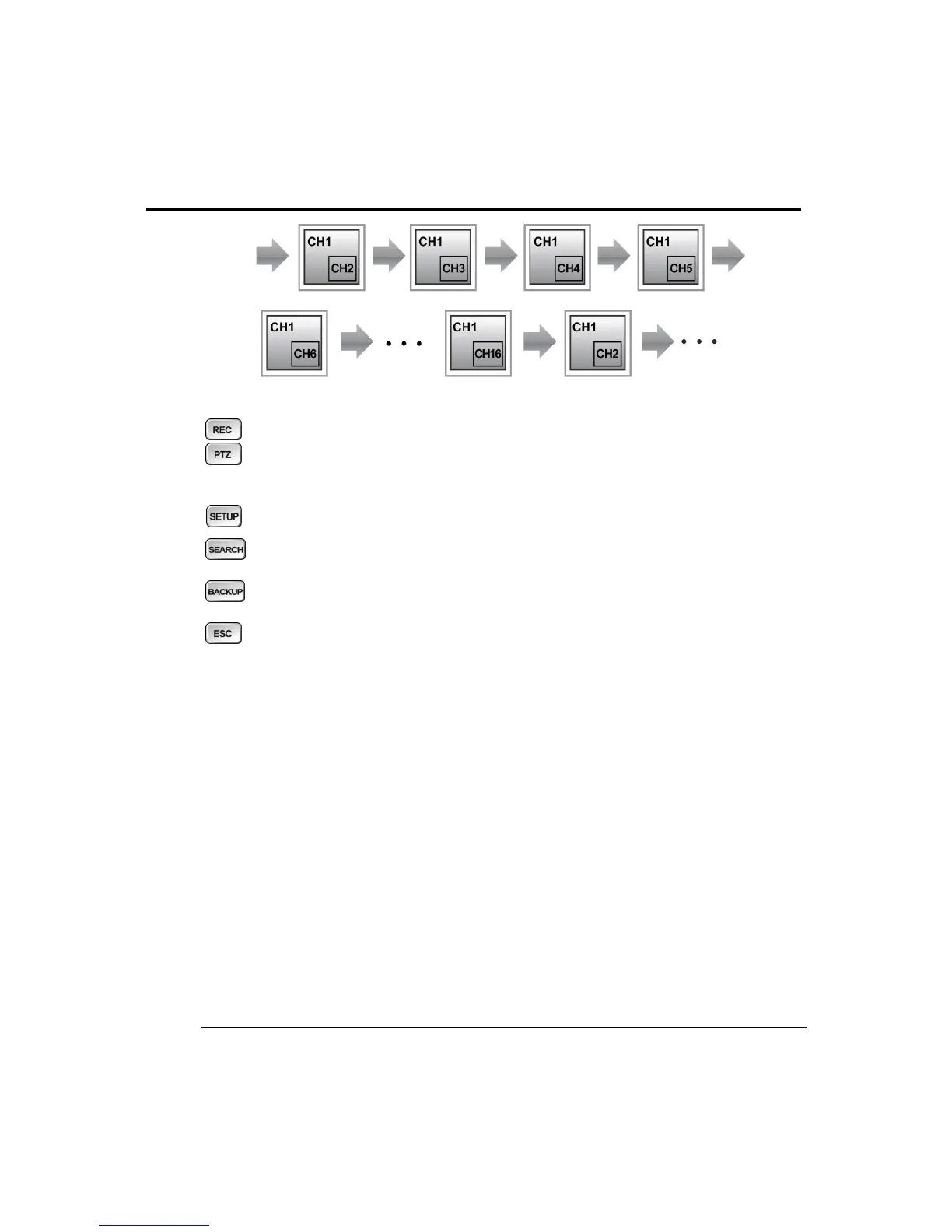
Press this button to execute the instant recording function
Press this button to enter PTZ mode, ZOOM and Focus buttons only work
when the DVR is set in PTZ mode.
Press this button to enter the setup mode
Press this button to enter the search mode
Press this button to enter the Backup menu
Escape from the current mode or return to live screen
5. Directional buttons
1. In the Live Screen or search modes
- Left/Right: Moves to next or previous channel.
2. In Menu,
- Use the directional buttons to move the cursor around each menu.
3. In PTZ mode
- Use directional buttons to move the PTZ camera in the desired direction.
4. Zoom/Focus
- Use directional buttons to move PTZ camera Zoom/Focus in PTZ Mode.



 To Next Page